How to Install GNU Compilers on Windows
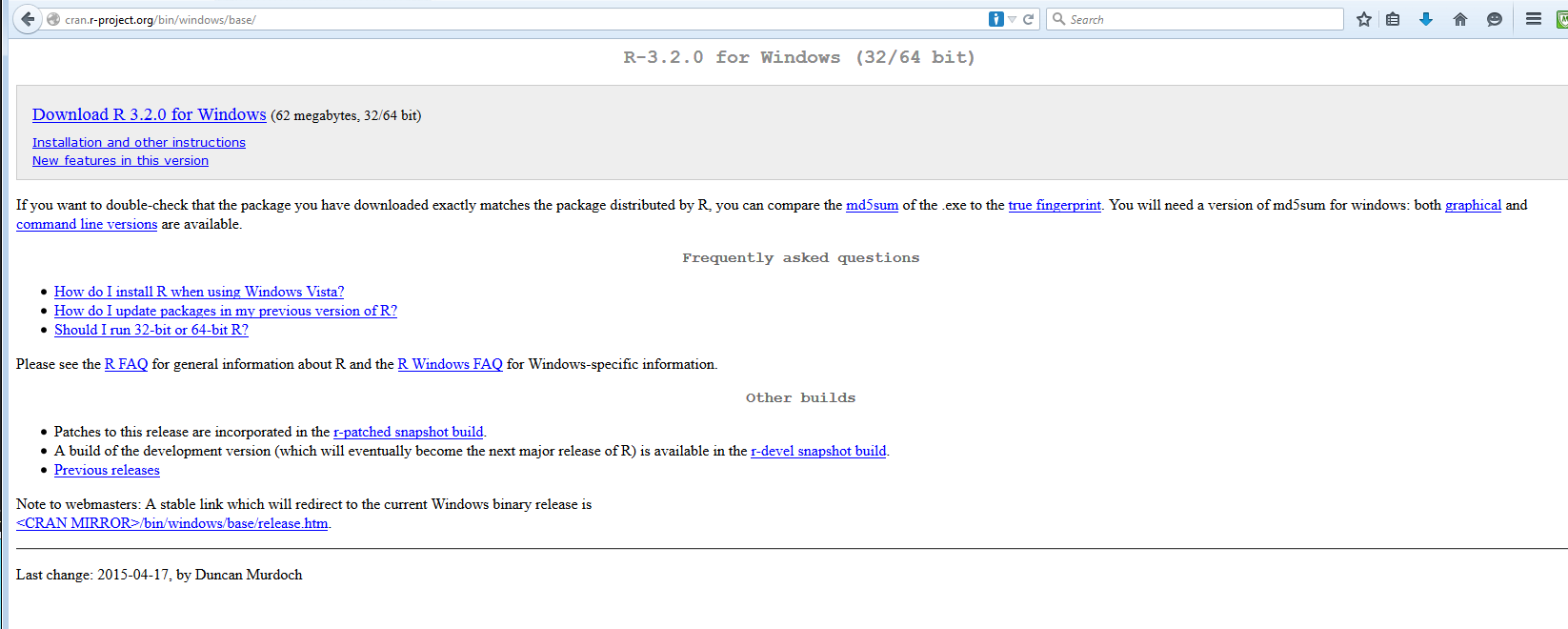
- First, install the latest version of R (3.2.0 is used below) from
the CRAN Website
- Second, install RTools from CRAN.
Here is what the website looked like as of May 2015:
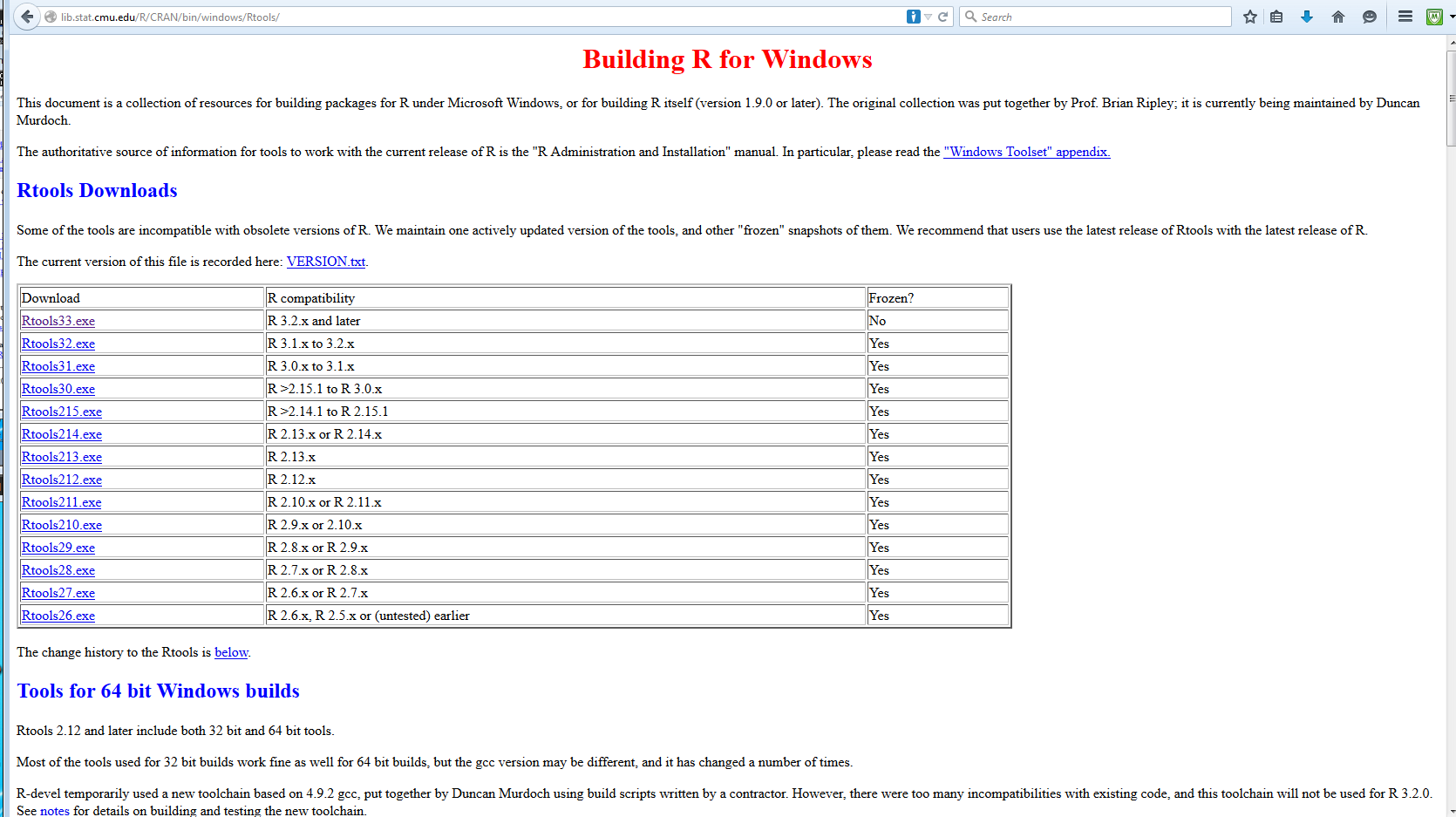
Click on "Rtools33.exe" and save it to the harddrive in the usual fashion:
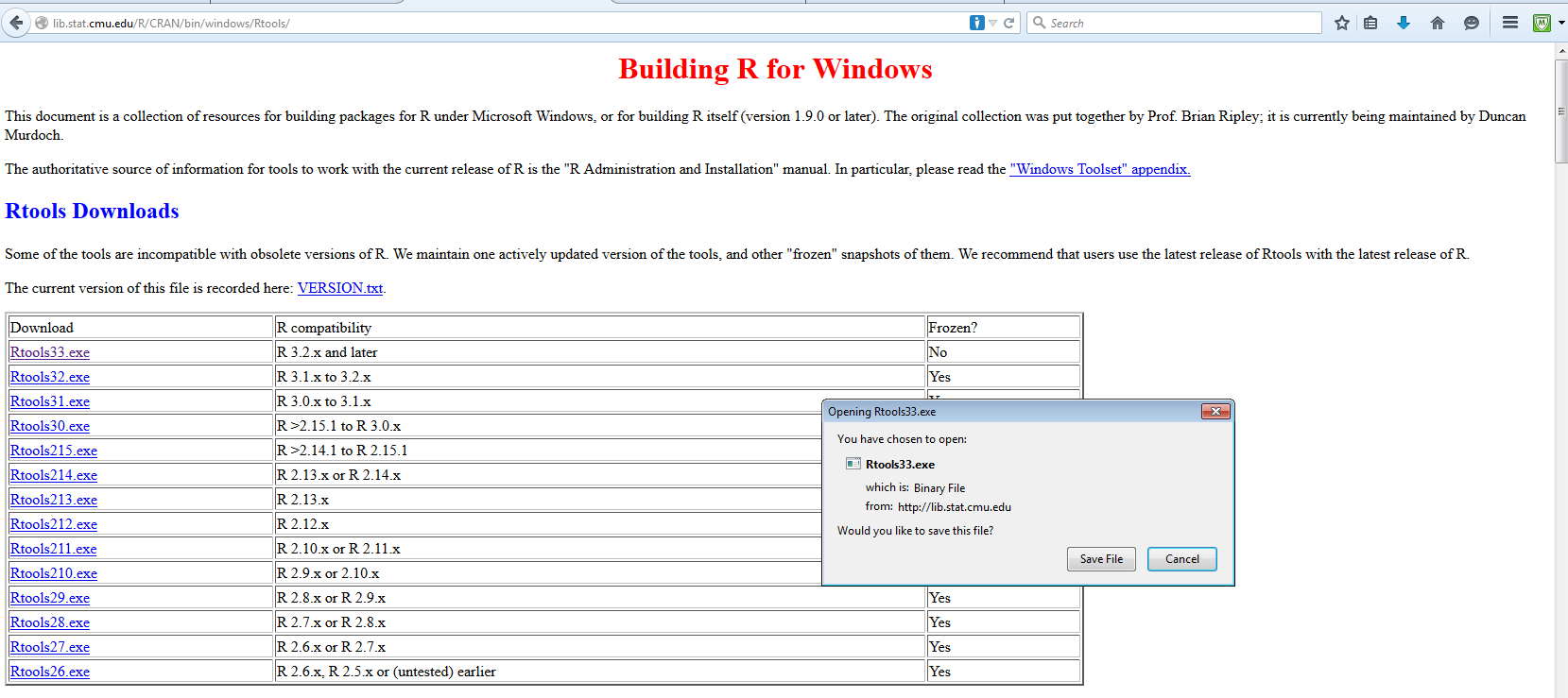
Be sure to run Rtools33.exe as Administrator!! If you have plenty of disk space it does not hurt to install
all of the components.
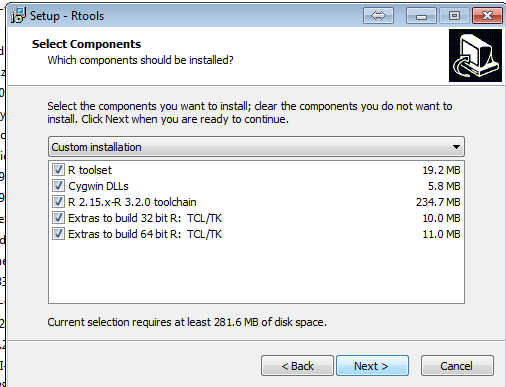
When the screen below comes up be sure to click the radio button to modify the path statement!
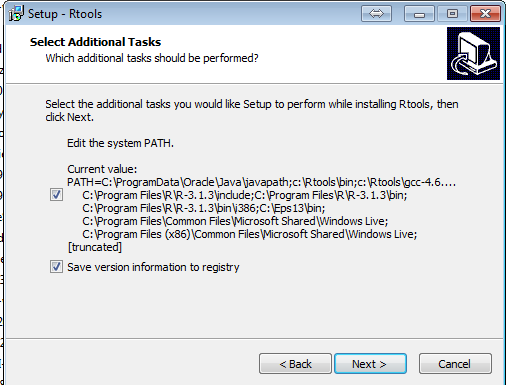
It then shows you what it adds to the path statement.
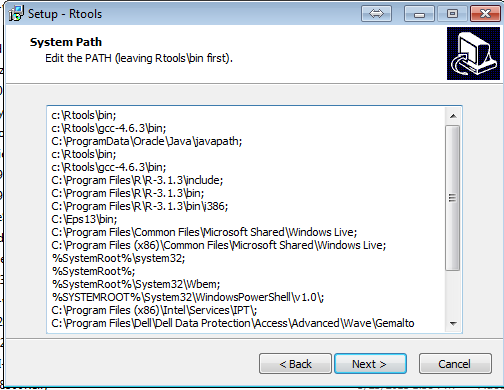
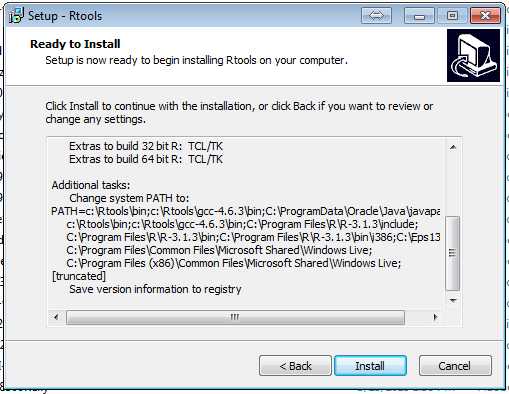
It then brings up a screen showing you all the changes it is going to make. Note that we have done the screen shot so
that the path statement changes can be seen.
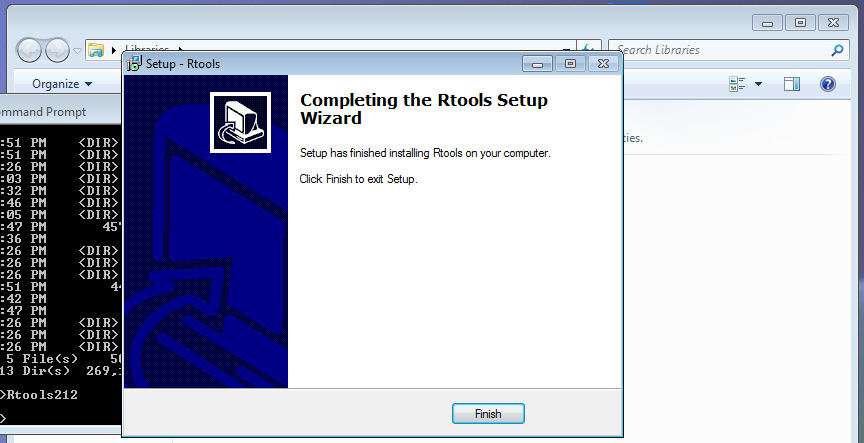
You are now done!
- To Compile and Link a C program put this batch file in C:\users\
gcc -I"c:/Program Files/R/R-3.2.0/include" -L"C:/Program Files/R/R-3.2.0/bin/i386" -Wall %1.c -o %1.exe -lRlapack -lRblas
- To Compile and Link a FORTRAN 95 program put this batch file in
C:\users\
gfortran -o %1 %1.f95 -L"c:/Program Files/R/R-3.2.0/bin/i386" -lRlapack -lRblas -lR
- To compile a FORTRAN 95 program open a Command Prompt Window
(be sure to run it as Administrator!) and type the syntax below:
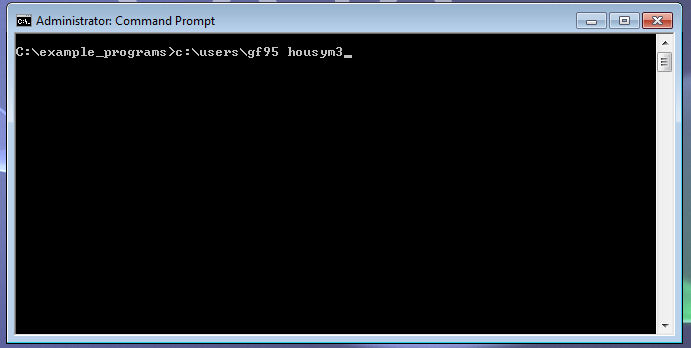
To test this yourself here is the FORTRAN 95 program and the data files that it reads:
 housym3.f95 -- FORTRAN 95 program that computes
an agreement score matrix
housym3.f95 -- FORTRAN 95 program that computes
an agreement score matrix
- To compile a C program open a Command Prompt Window
(be sure to run it as Administrator!) and type the syntax below:
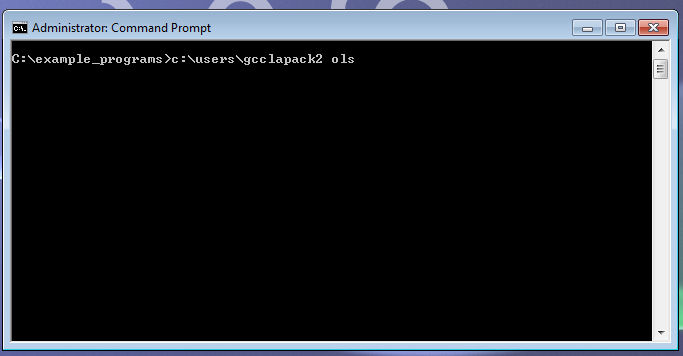
To test this yourself here is the C program:
ols.c -- C program that runs a simple OLS
- To compile a FORTRAN 95 program open a Command Prompt Window
(be sure to run it as Administrator!) and type the syntax below:
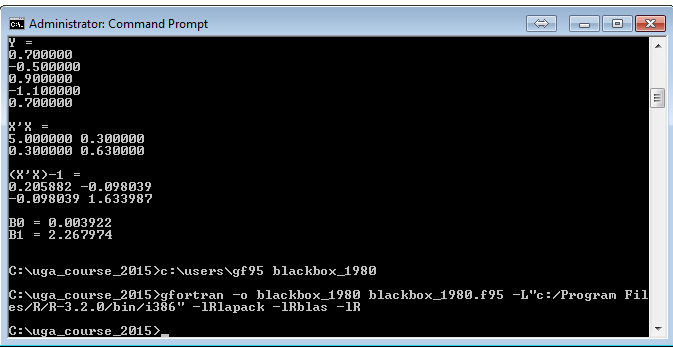
To test this yourself here is the FORTRAN 95 program and the data file that it reads:
blackbox_1980.f95 -- FORTRAN 95 program that
performs a Basic Space Scaling of a set of issue scales
from the 1980 NES Survey
 symstrt3.dat -- Command File for Program