 s112_combine.txt -- Epsilon Text Macro
s112.header -- Header File for 112th Senate
s112.ord -- Unsorted roll call matrix through early October, 2011
s112_combine.txt -- Epsilon Text Macro
s112.header -- Header File for 112th Senate
s112.ord -- Unsorted roll call matrix through early October, 2011Bring s112.ord, s112.header, s112_combine.txt, and a (so far) non-existant file sen112kh_october_2011.ord up in Epsilon. Position the cursor in front of the text macro in the bottom window. It should look like this:
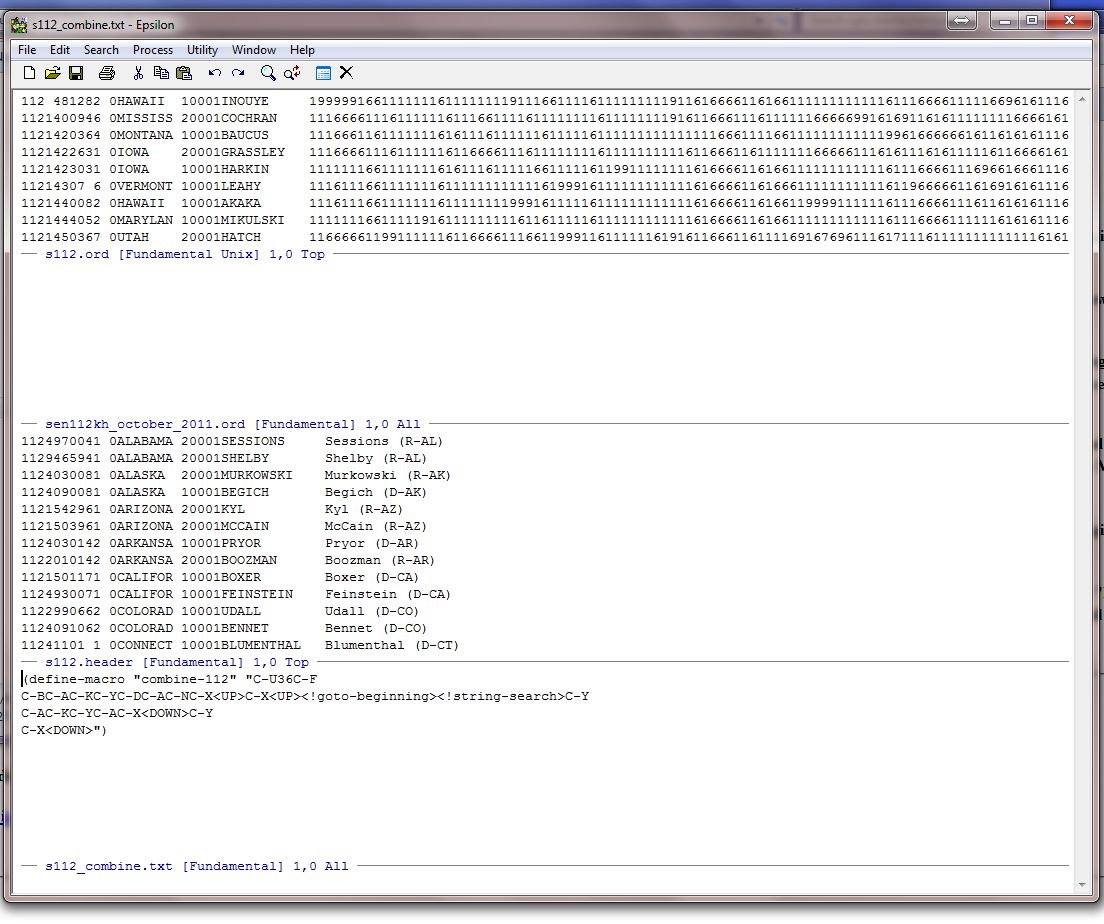
The first thing we need to do is load our macro into a buffer using the named-command function; namely Alt-X load-buffer. It should look like this:
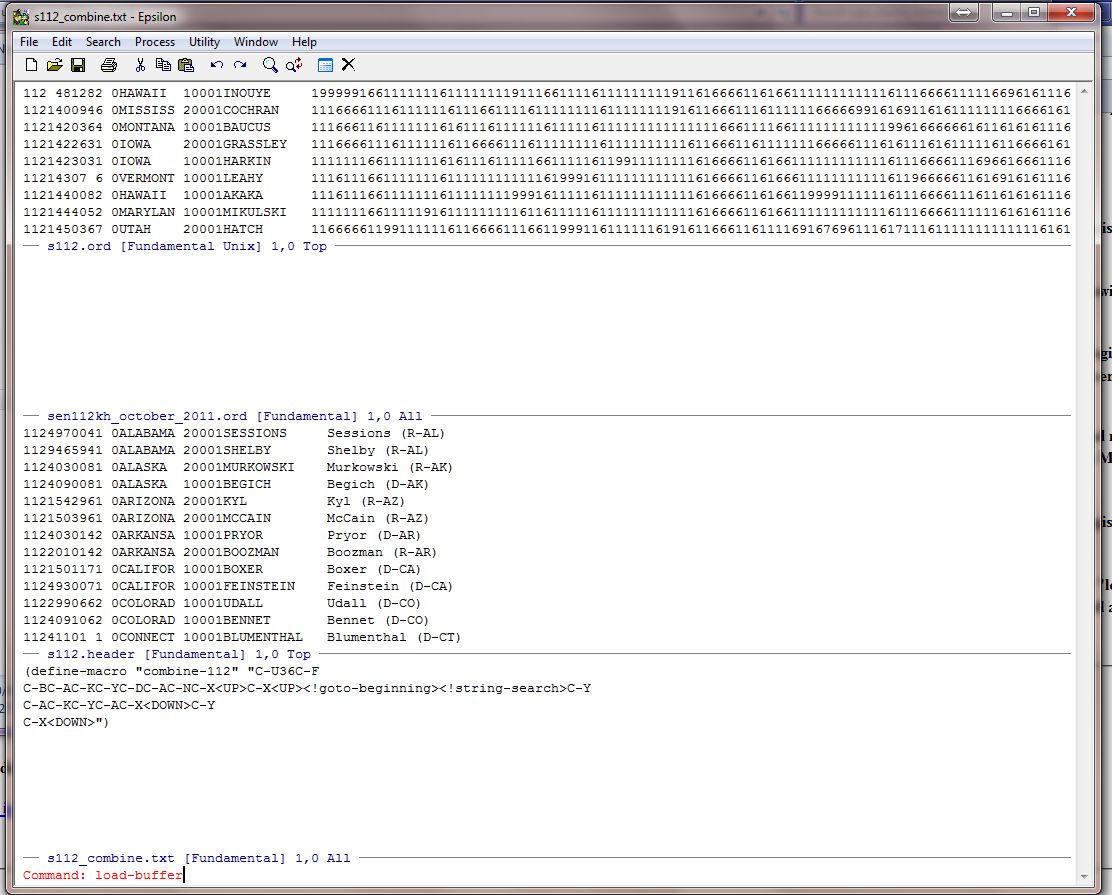
Hit the Enter Key, Enter, and it highlights the name of the text file that is in the window in blue. Put the cursor at the end and it looks like this:
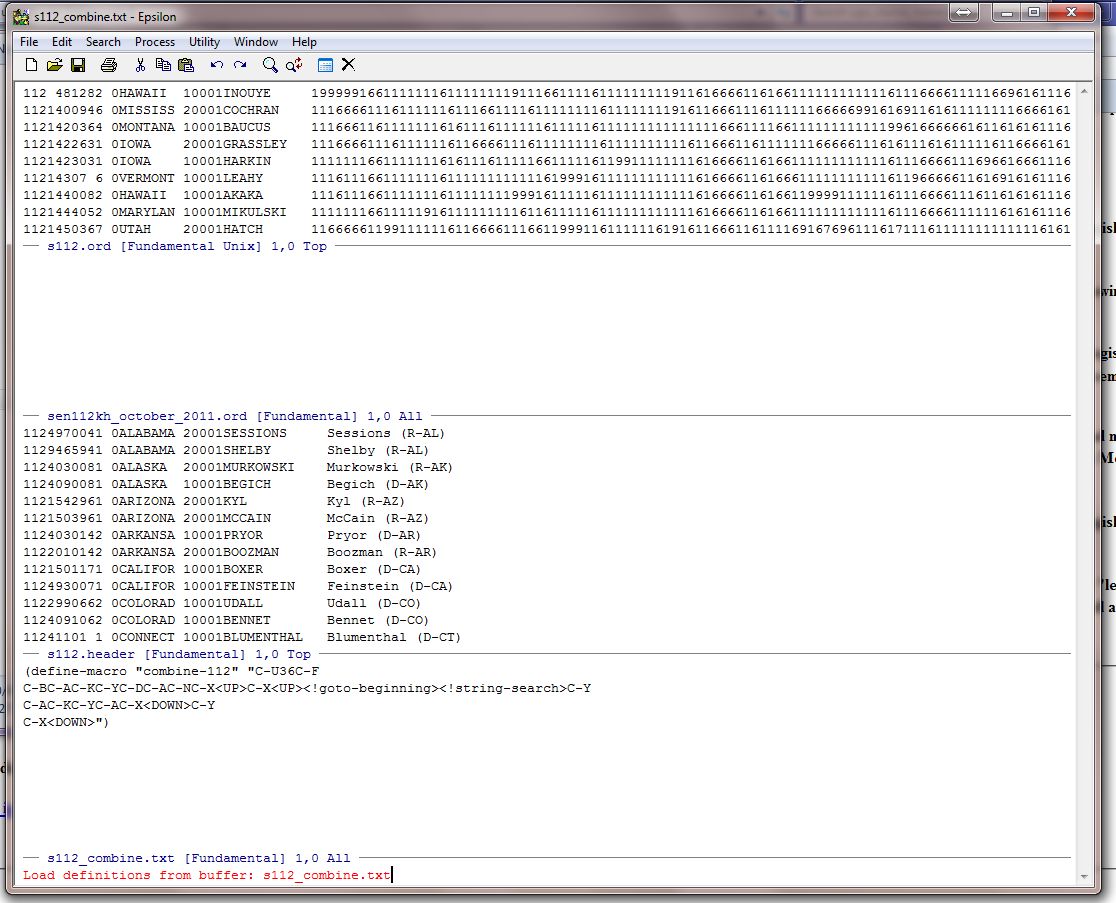
Type Enter again and you see the message (if you have not made a mistake!!):
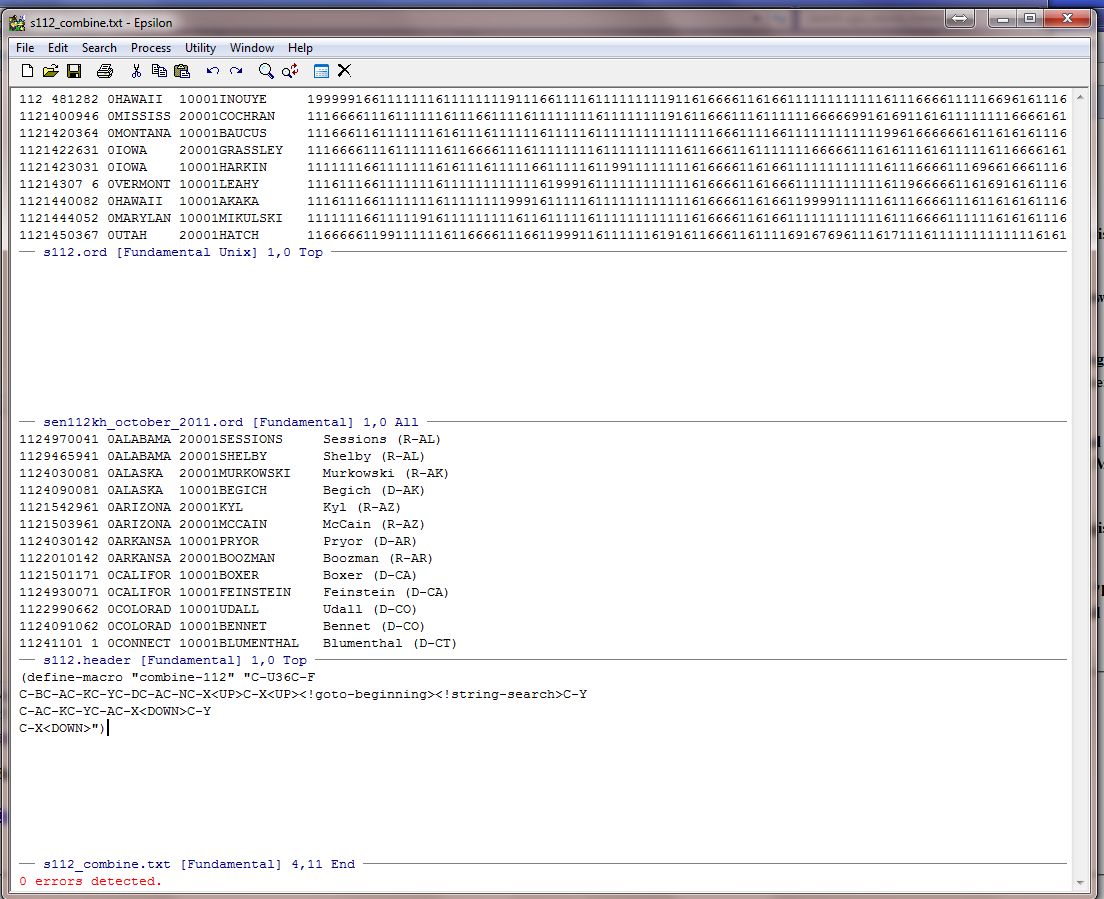
Now you are ready to go. Put the cursor at the beginning of the first line in s112.header:
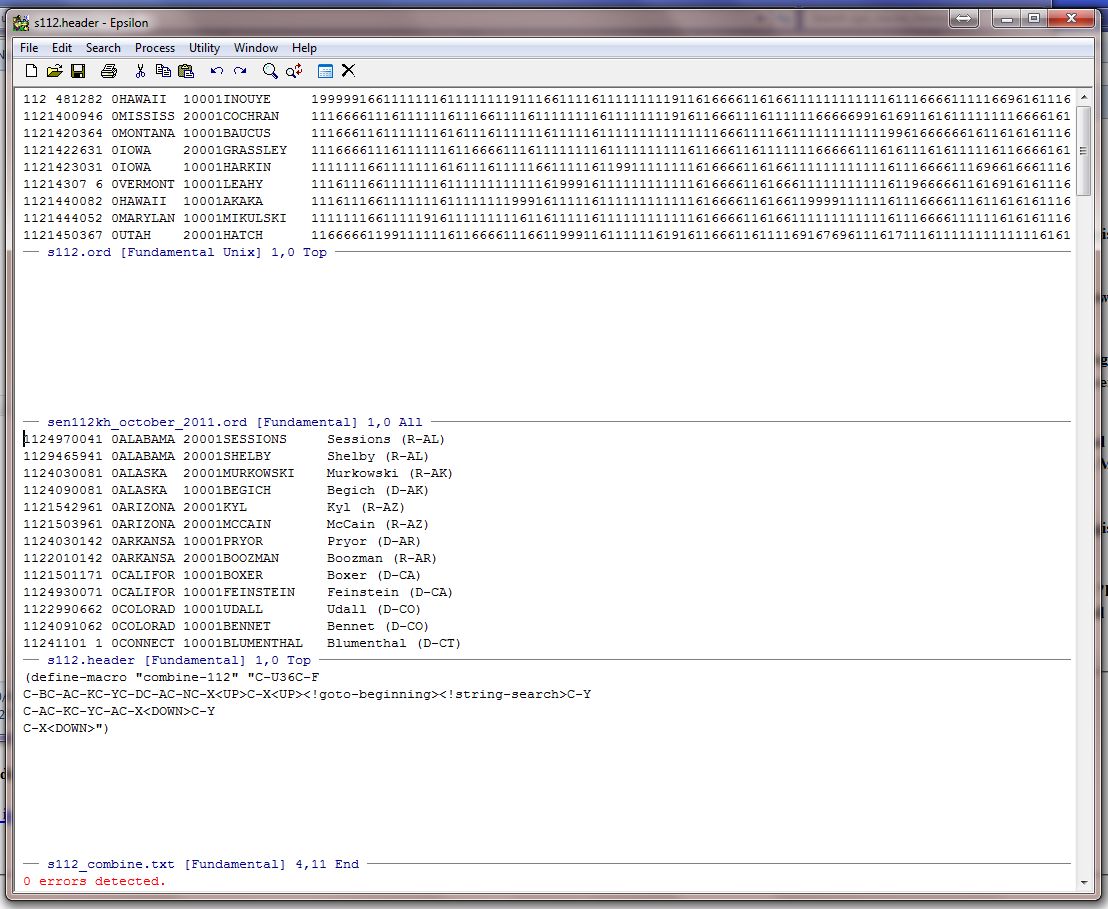
To run the macro one time type Alt-X combine-112:
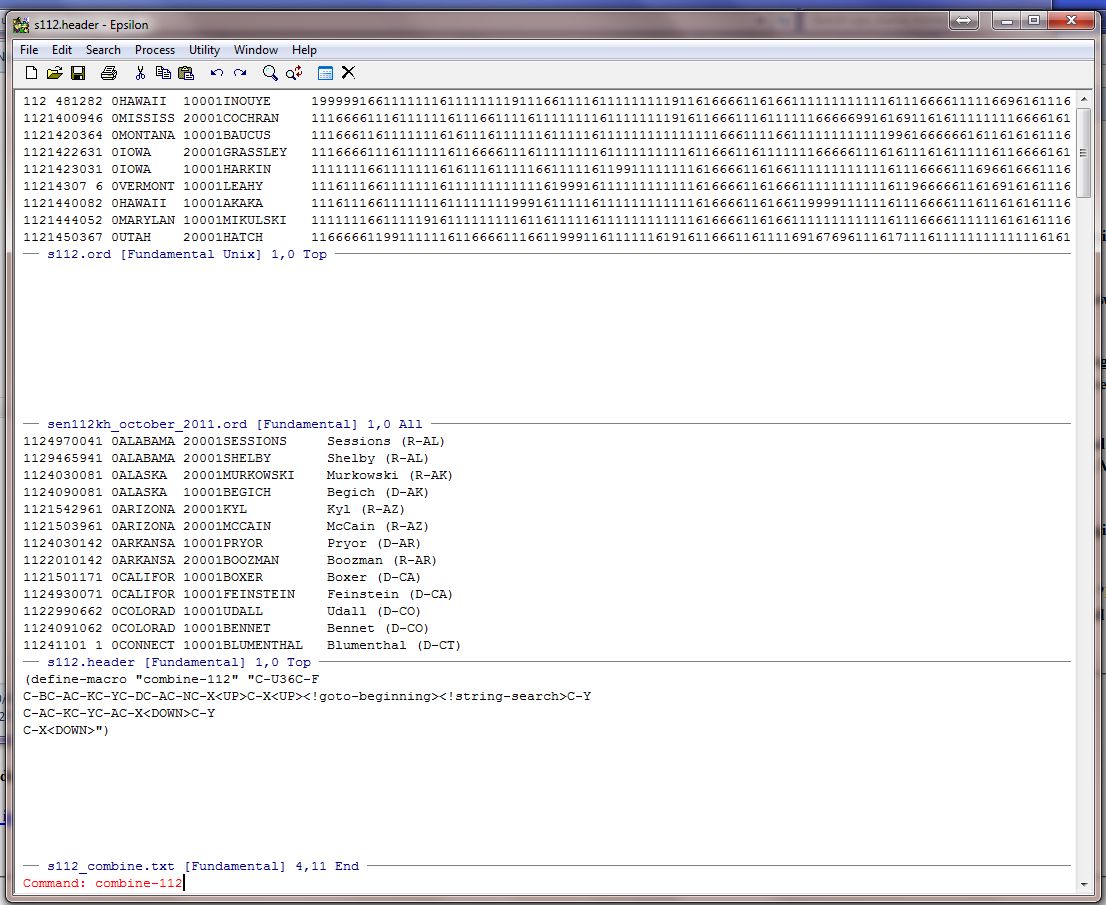
Now hit the Enter Key and the macro executes. It matches the header file to the un-sorted roll call file from Jeff Lewis's website -- 112th Congress Roll Calls.
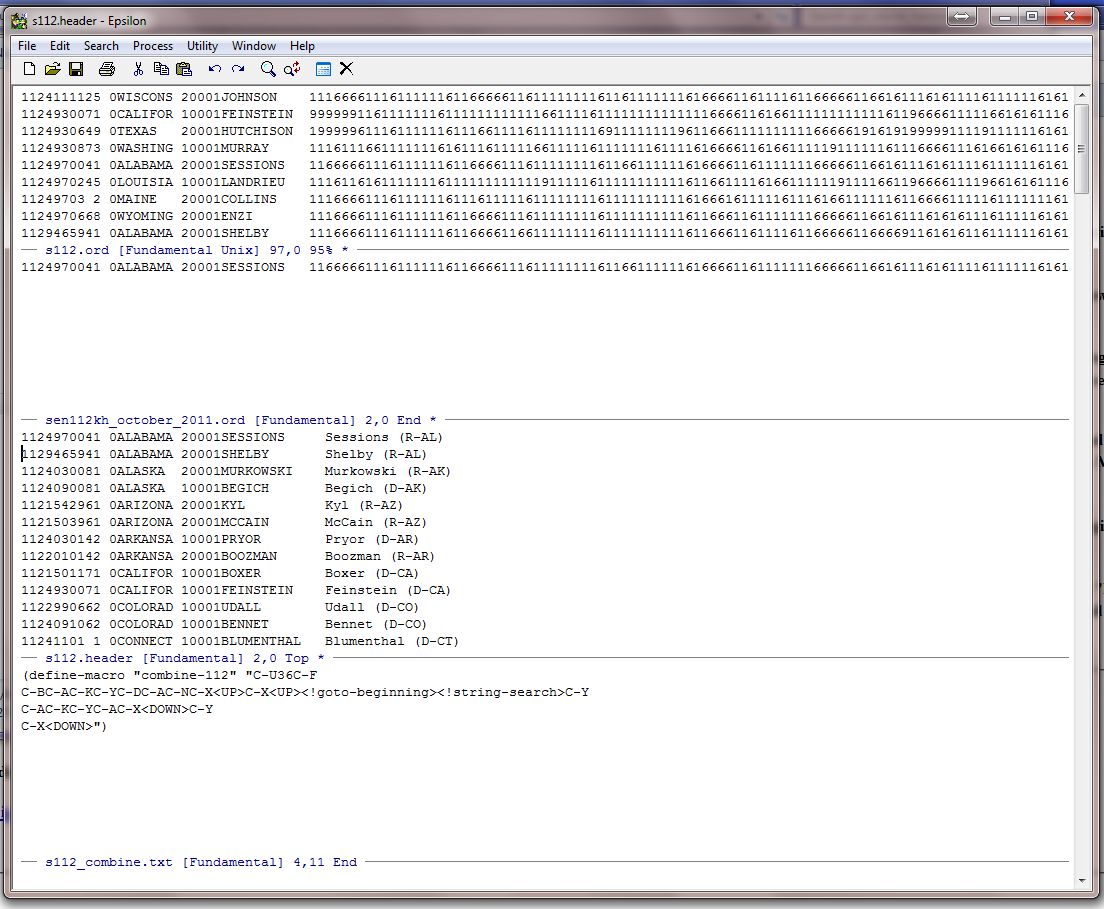
Before executing the macro multiple times it is good practice to count the lines in the file so you know how many times to run the macro. You can do this with the Count-Lines command:
C-X L
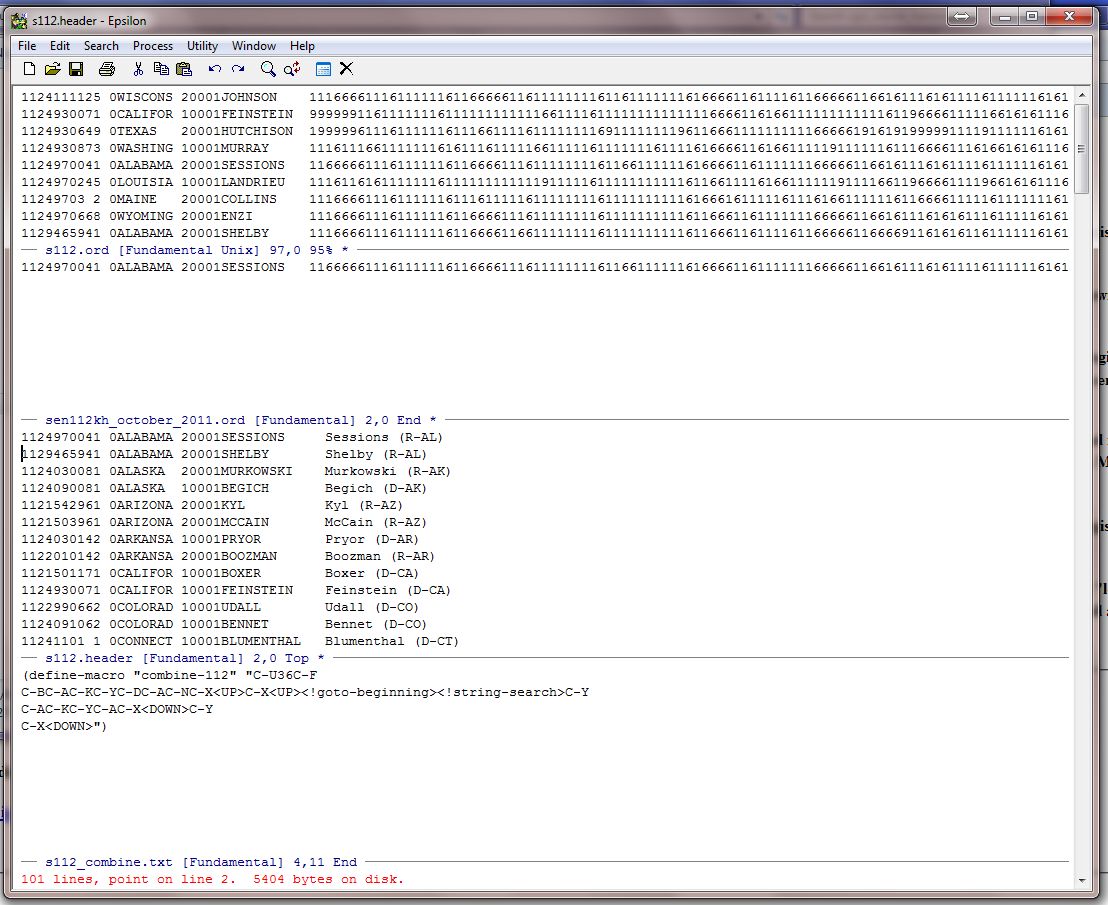
You are on the 2nd line of 101 lines so executing the macro 99 times would be a safe thing to do. To do this, use the argument command like this:
C-U99 Alt-X combine-112 and you see this:
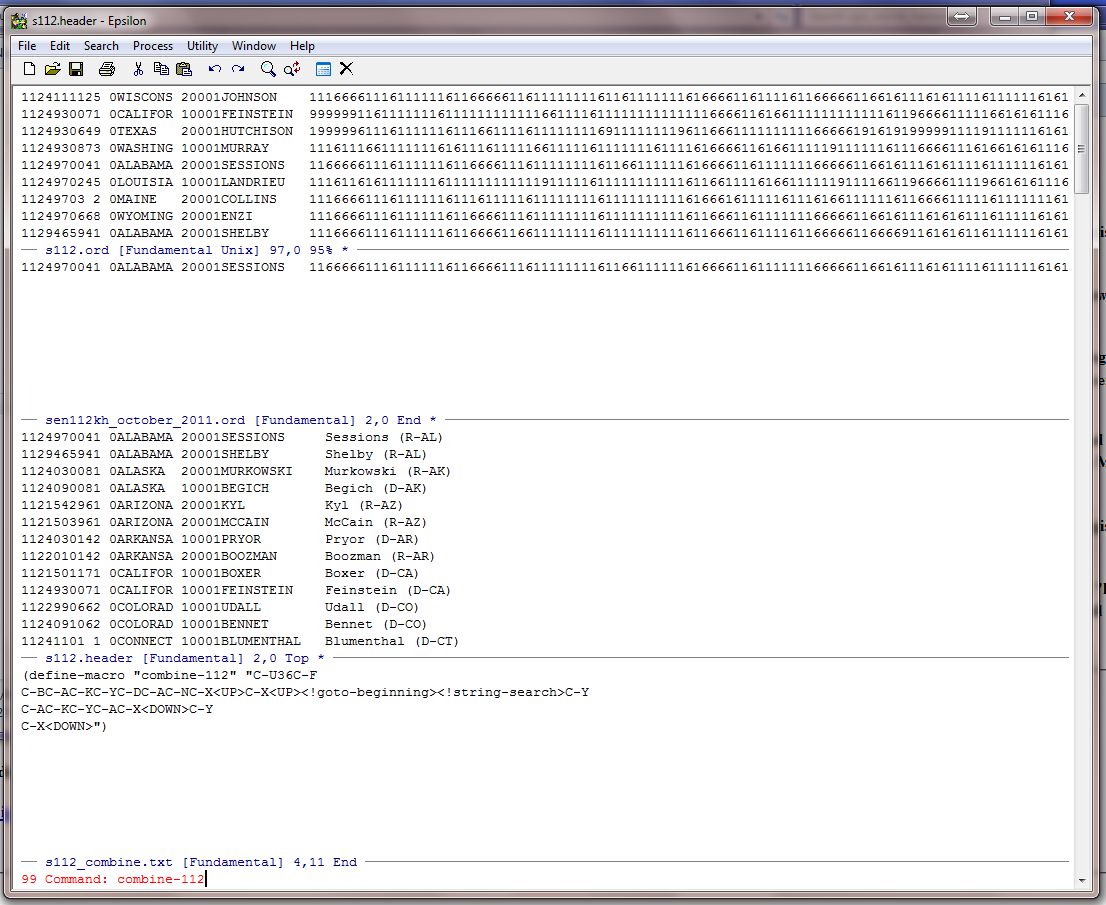
Now hit the Enter Key and the macro executes 99 times stopping right at the beginning of the header for Brasso of WY. Now run the macro one last time to get his record:
Alt-X combine-112
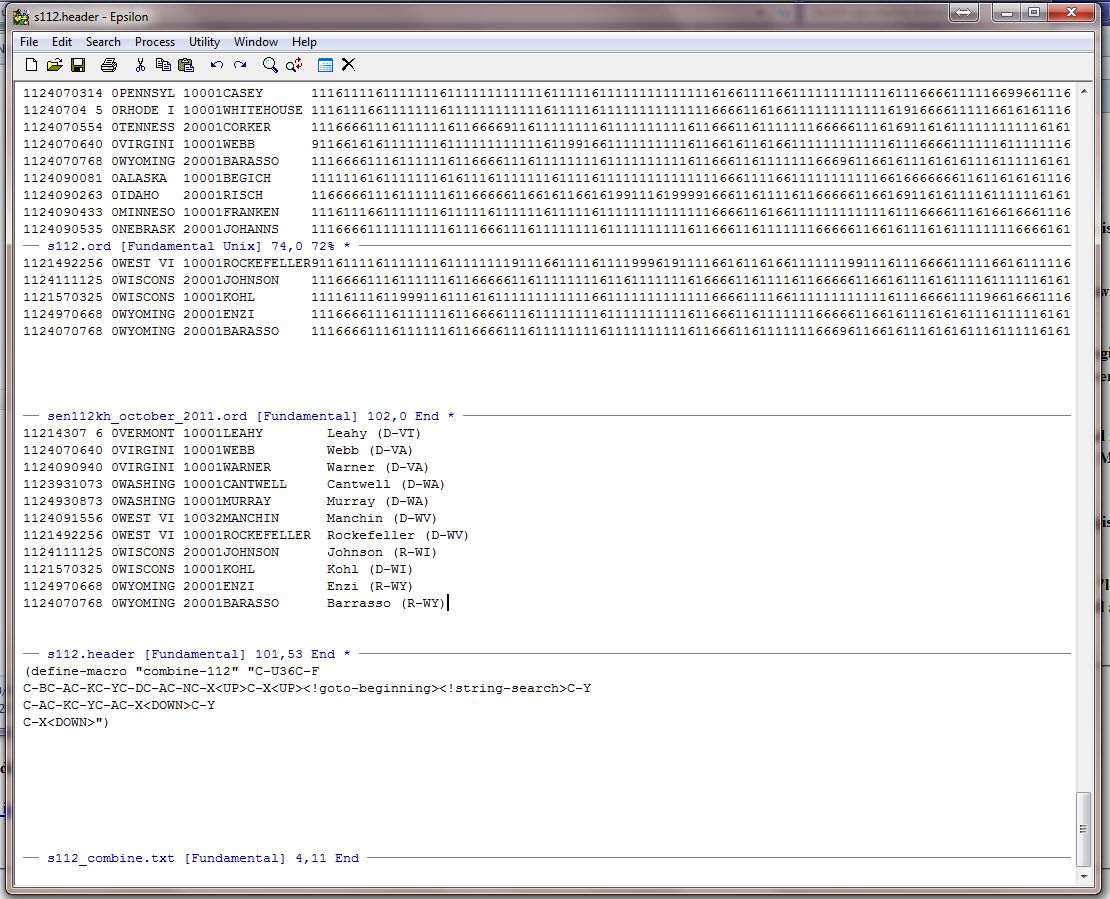
Save all the files and exit Epsilon.