The aim of this set of keyboard macros is to combine to roll call matrices so that the combined matrix can be analyzed with Optimal Classification or W-NOMINATE in R. First, download the two roll call matrices below and place them in the same directory:
 HOU111KH.ORD -- 111th House Roll Call Data
HOU112KH_AUGUST.ORD -- 112th House Roll Call
Data through August 2011
HOU111KH.ORD -- 111th House Roll Call Data
HOU112KH_AUGUST.ORD -- 112th House Roll Call
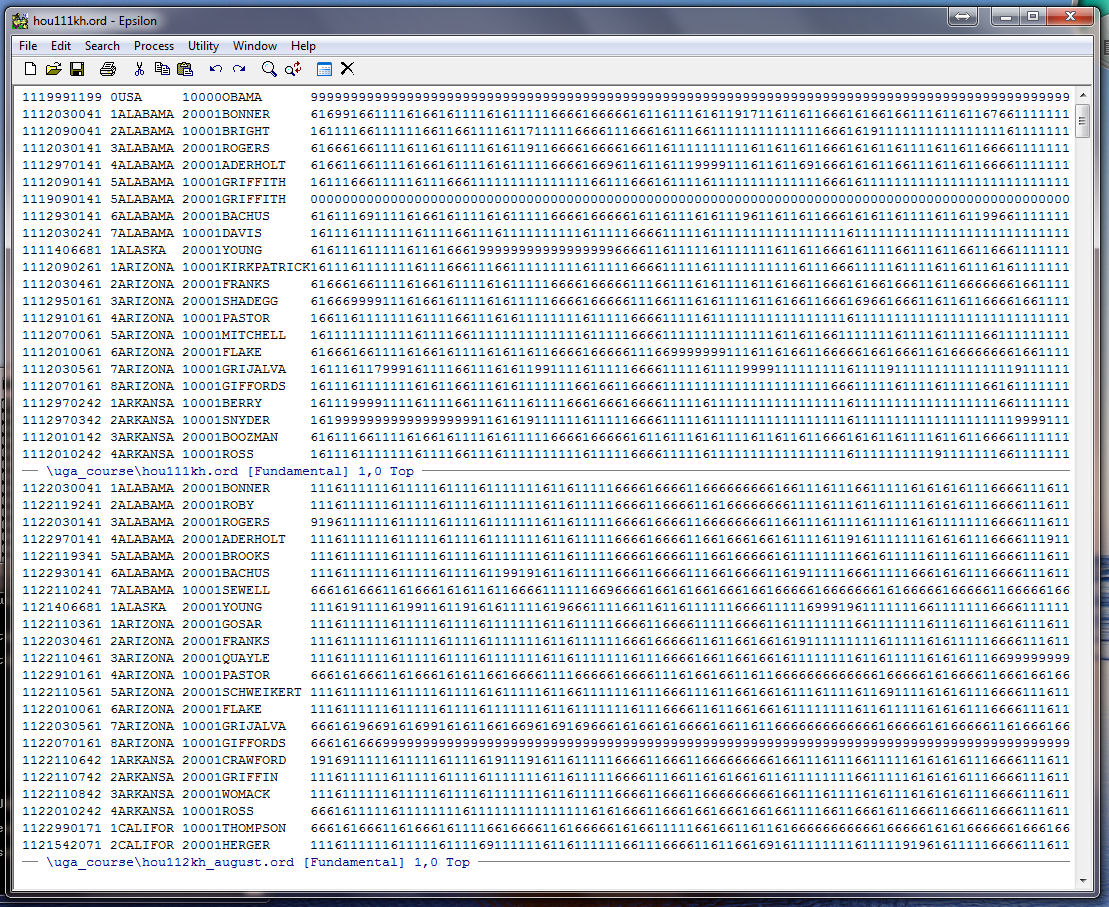
Data through August 2011Use the split window command -- C-X 2 -- and place HOU111KH.ORD in the top window and HOU112KH_AUGUST.ORD in the bottom window (you can use the The Find File Command -- C-X C-F -- to get the files). The C-X UP and the C-X DOWN commands move between Windows (where UP and DOWN are arrow keys on a standard keyboard). You should see the following:
We do not want to over-write our roll call files so use the the Write File Command -- C-X C-W -- to make copies of the two roll call files. Make them TEST111.ORD and TEST112.ORD. Now Split the Window -- C-X 2 -- holding TEST112.ORD so that there are now 3 windows. In the bottom window use The Find File Command -- C-X C-F -- to get the file ZEROES.TXT. Note that ZEROES.TXT does not exist on the hard drive yet but this does not matter. Epsilon just creates it for you. Note that it is an empty file.
You should now see this:
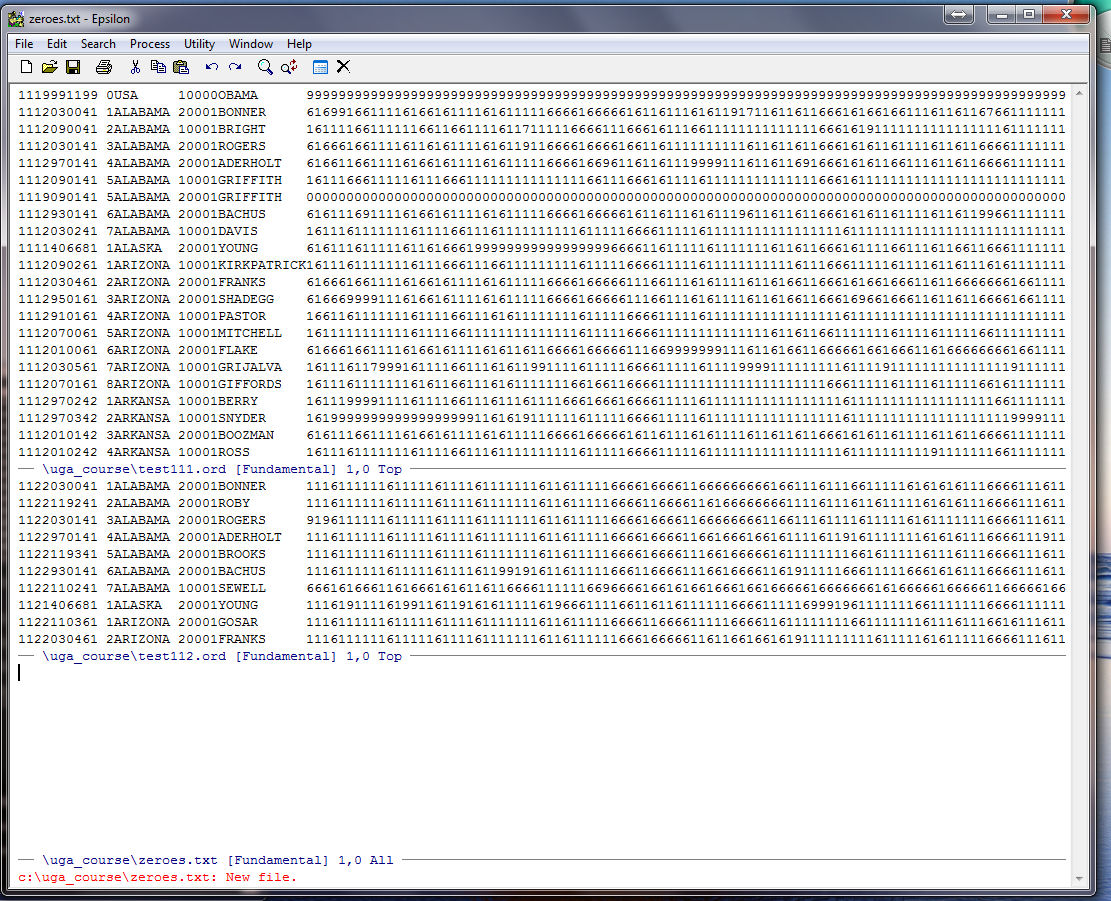
There were 1,647 roll calls in the 111th House and 687 roll calls in the 112th House prior to the August, 2011 recess. What we are going to do is create a string of 687 zeroes in the ZEROES.TXT file that we can pick up and use to create columns in TEST111.ORD corresponding to the 687 roll calls in the 112th House. We need these zeroes for members of the 111th who are not in the 112th House.
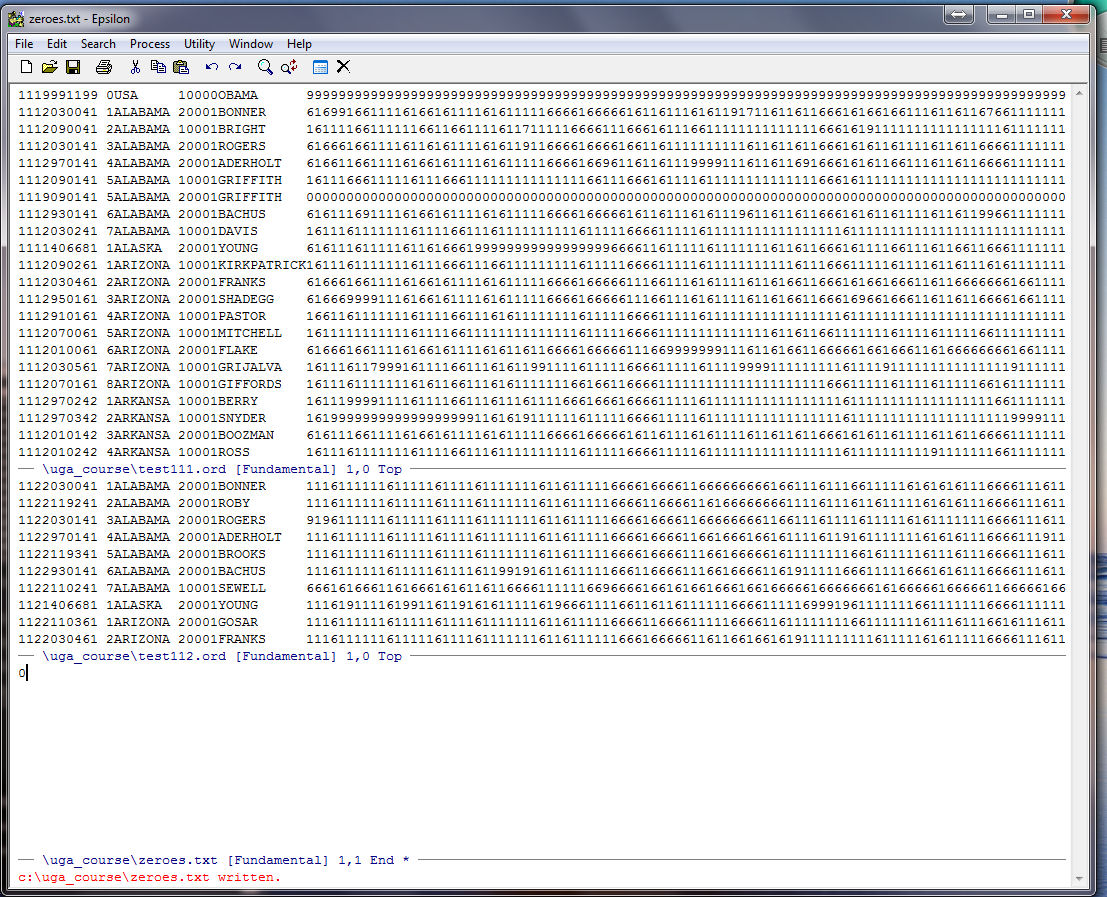
We can create 687 zeroes very easily. First, type "0" (note the appearance of the "*" which is Epsilon's way to telling you the file has not been saved):
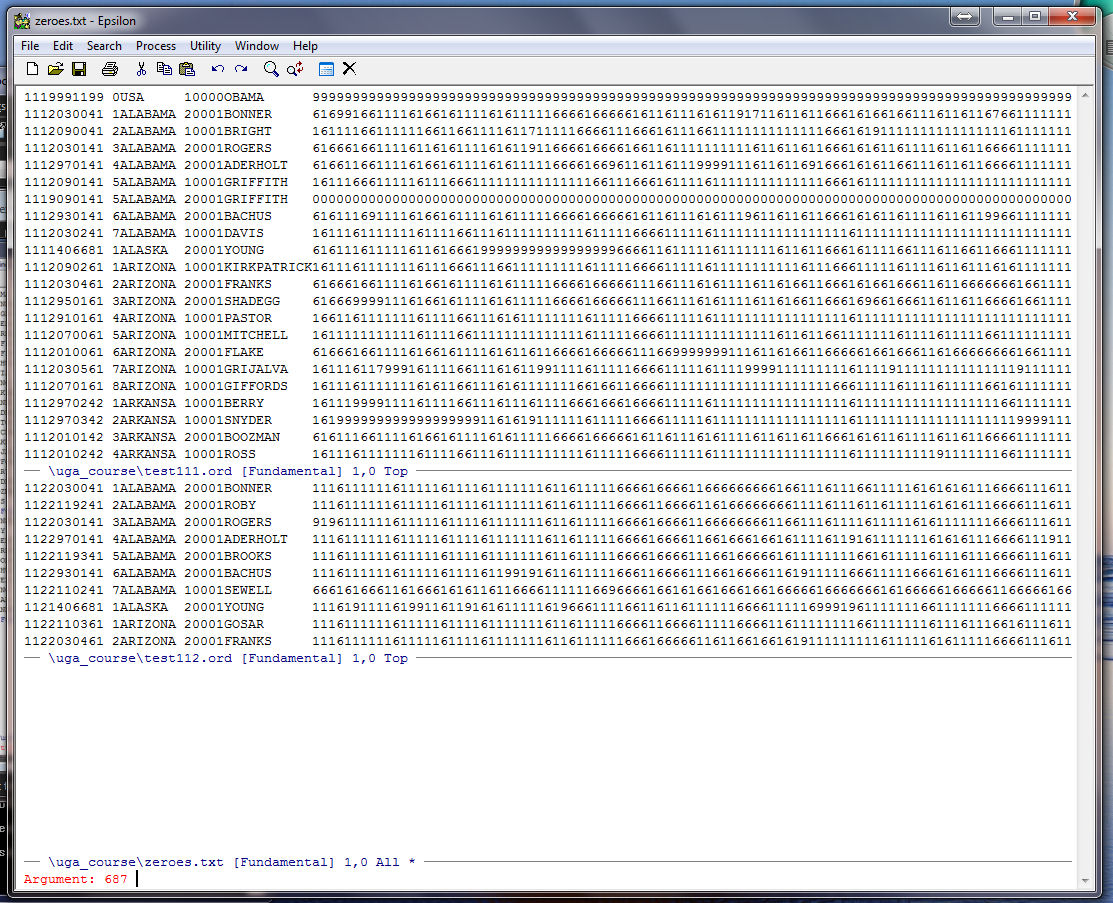
Now, go to the beginning of the line (C-A), put the zero in the kill buffer (C-K), type C-U (the argument command in Epsilon which is used to repeat keystrokes automatically -- it defaults to "4"), and type "687" and then C-Y (the yank from Buffer command):
Now type Enter and your cursor will be at the end of a string of zeroes. Note the "1,687" and the "*" at the bottom of the Epsilon window. This tells you that you are on line "1" and the cursor is positioned so that just to the left is column "687" and the "*" tells you the file has not been saved:
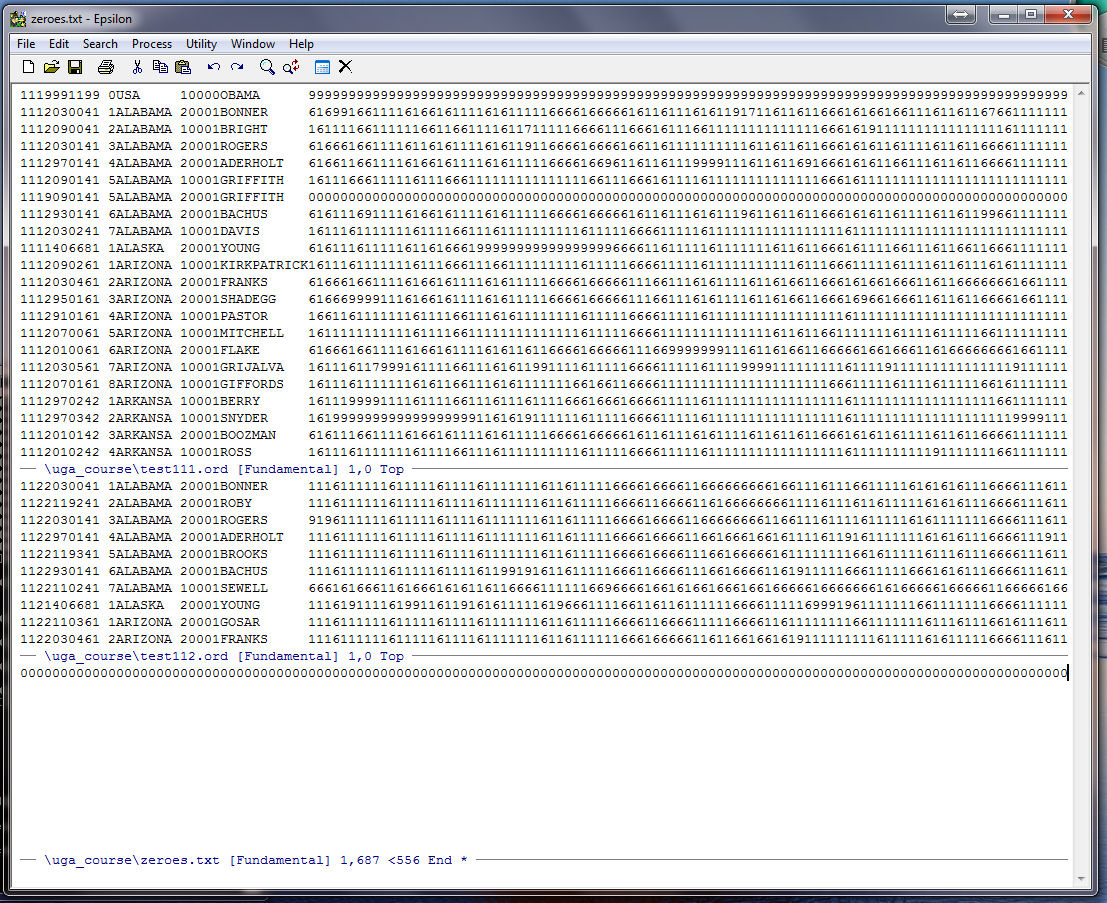
Go to the beginning of the line of zeroes (C-A), save Zeroes.TXT (C-X C-S), and go up to the top screen by using C-X UP twice and position the cursor at the beginning of the first line (OBAMA). Now we are going to write our first keyboard macro. The aim of this macro is to create records for all the members of the 111th House and put them on the bottom of TEST112.ORD with each having the 687 string of zeroes for votes. The idea is that when we run the next macro that puts the 687 votes from the 112th on the end of each record for members of the 111th we take into account those members of the 111th who did not serve in the 112th House. By putting all the members of the 111th on the bottom of the 112th we guarantee that we will get a string match for every member in TEST111.ORD.
Start the keyboard macro -- C-X ( -- and you should see:
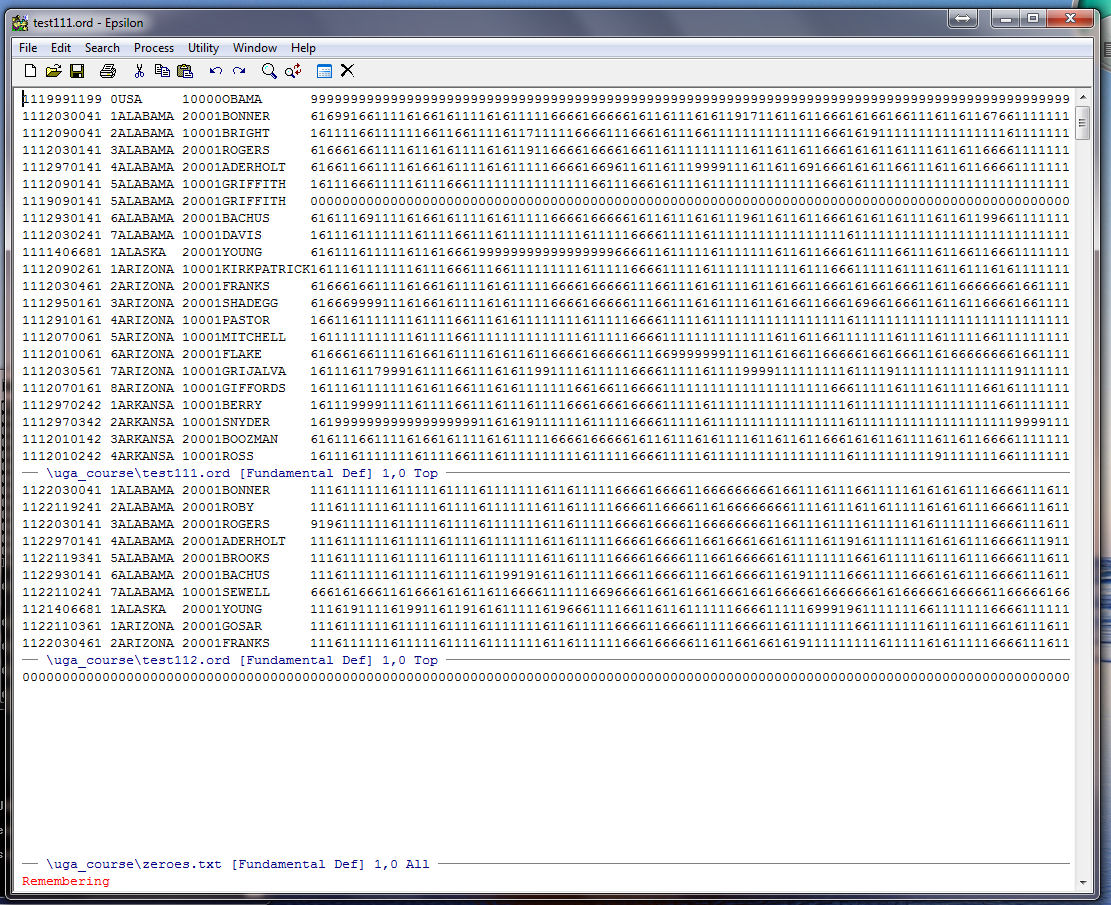
Highlight the header (the first 36 columns) and place it on the clipboard:
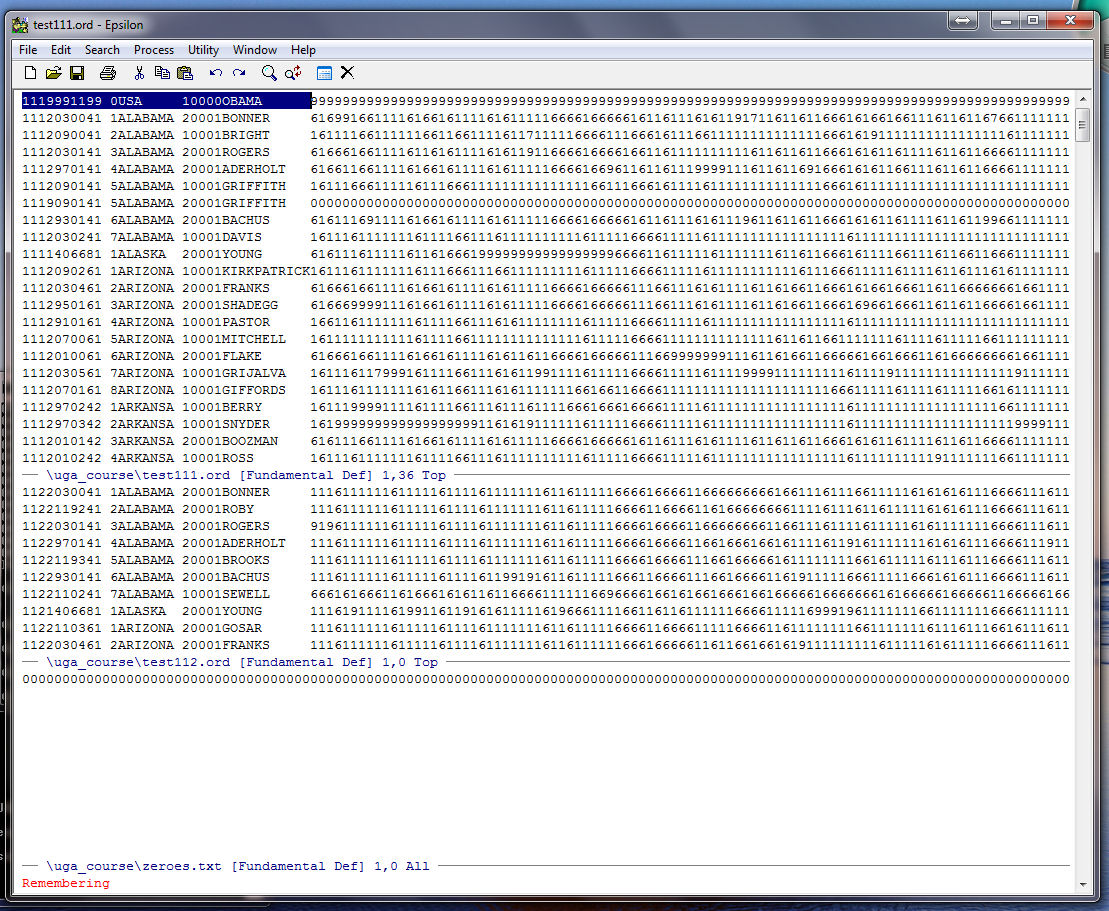
Go to the beginning of the line with C-A, and then move down one line with C-N so the cursor is in front of the record for BONNER. Now, go down one window using C-X DOWN and then go to the end of the TEST112.ORD file using ALT-> . Now yank OBAMA's header from the Buffer using C-Y and you should see:
Go down one window using C-X DOWN, kill the line of zeroes with C-K, yank the line from the Buffer using C-Y (a copy will stay in the buffer until it is overwritten), and go back to the beginning of the line using C-A:
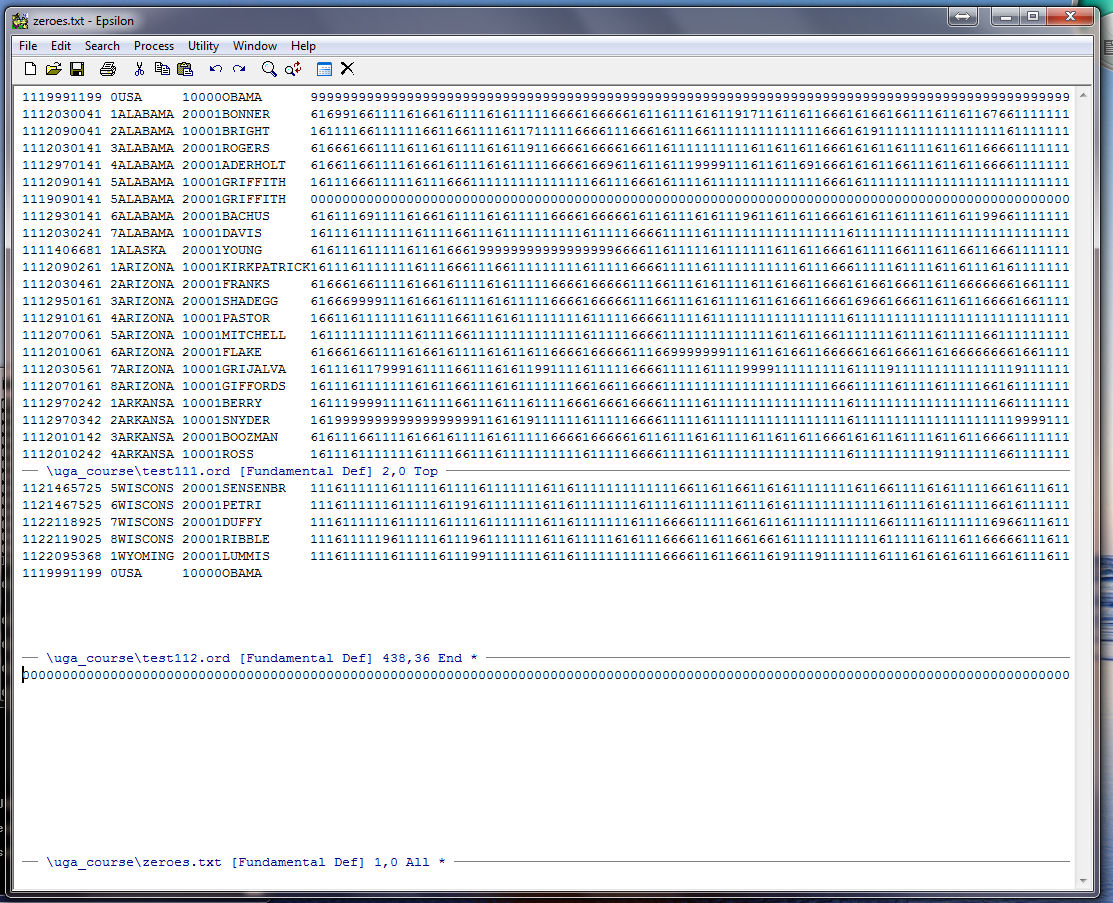
Go up one window with C-X UP (you will be at the end of the header for OBAMA) and yank the line of zeroes from the Buffer with C-Y:
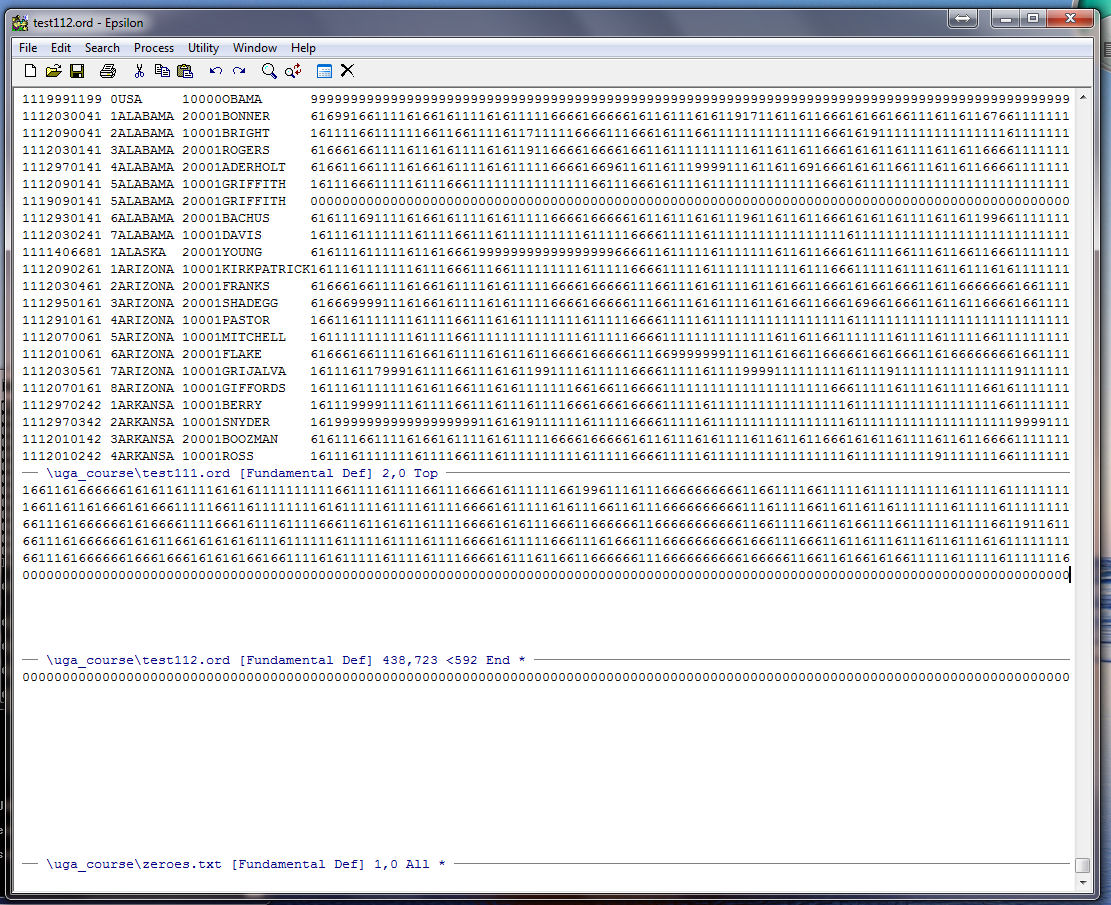
Now type Enter and your cursor will be at the bottom of the file:
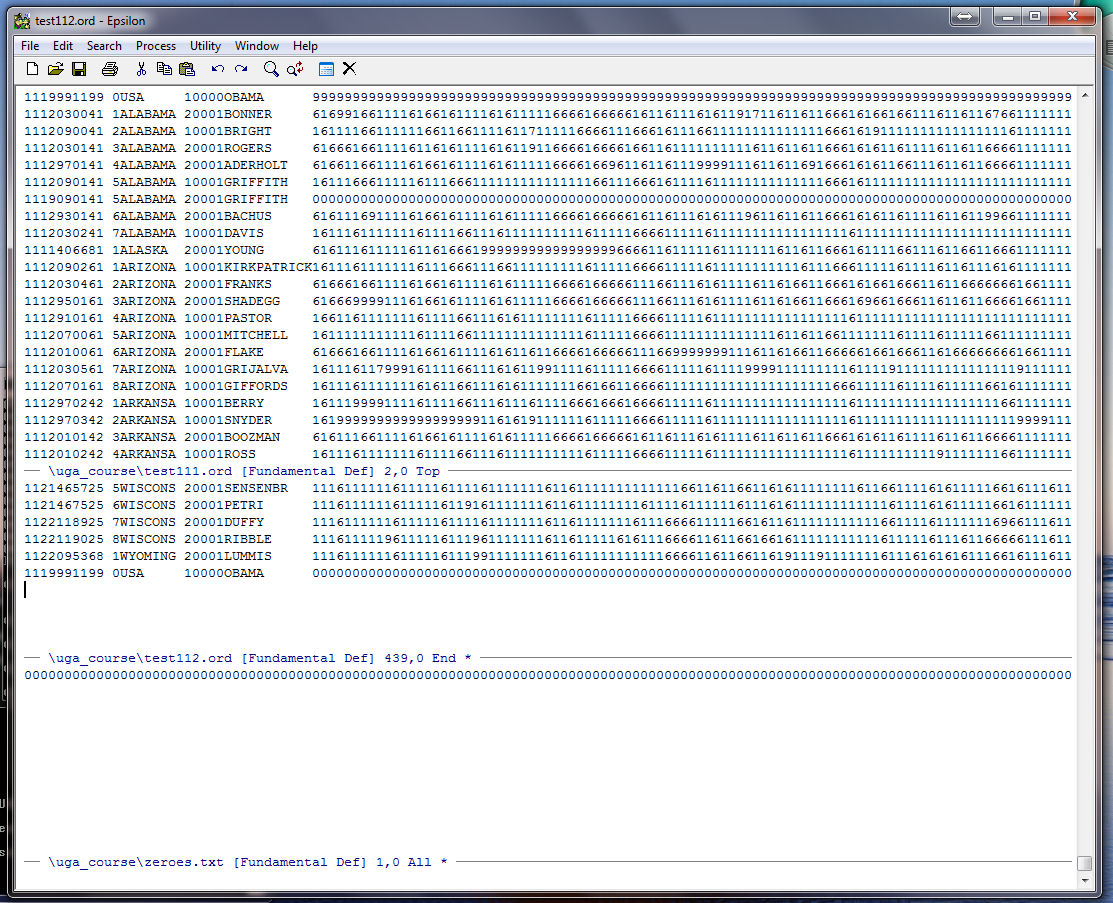
Go up to the top window with C-X UP and end the keyboard macro with C-X ). Your cursor should be at the beginning of the line for BONNER:
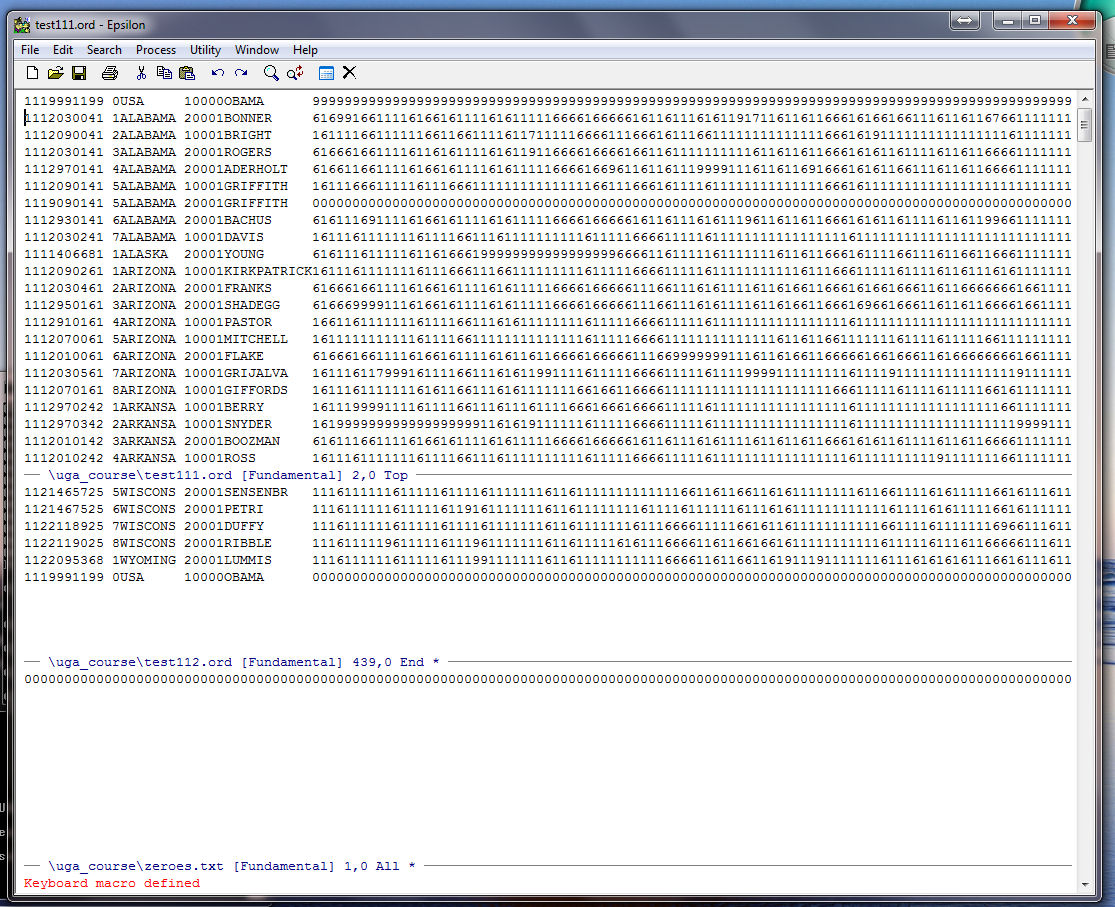
Run the keyboard macro one time using C-X E to check it. Count the number of lines in TEST111.ORD with C-X L so you know how many times to run the macro:
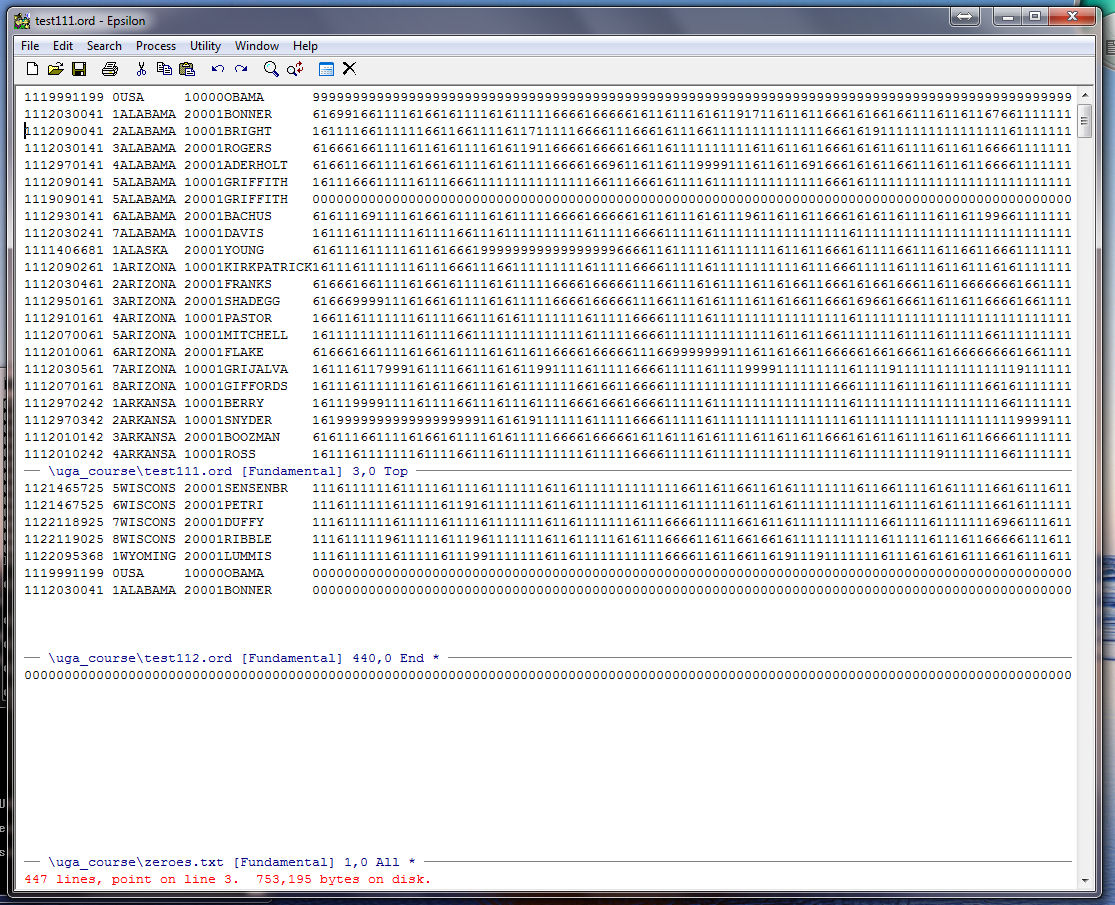
It is a good idea not to run a macro all the way to the end of the file just to be safe. Here we run it 432 times with C-U (the argument command), type 432, and then C-X E (run keyboard macro one time). This runs the keyboard macro 432 times:
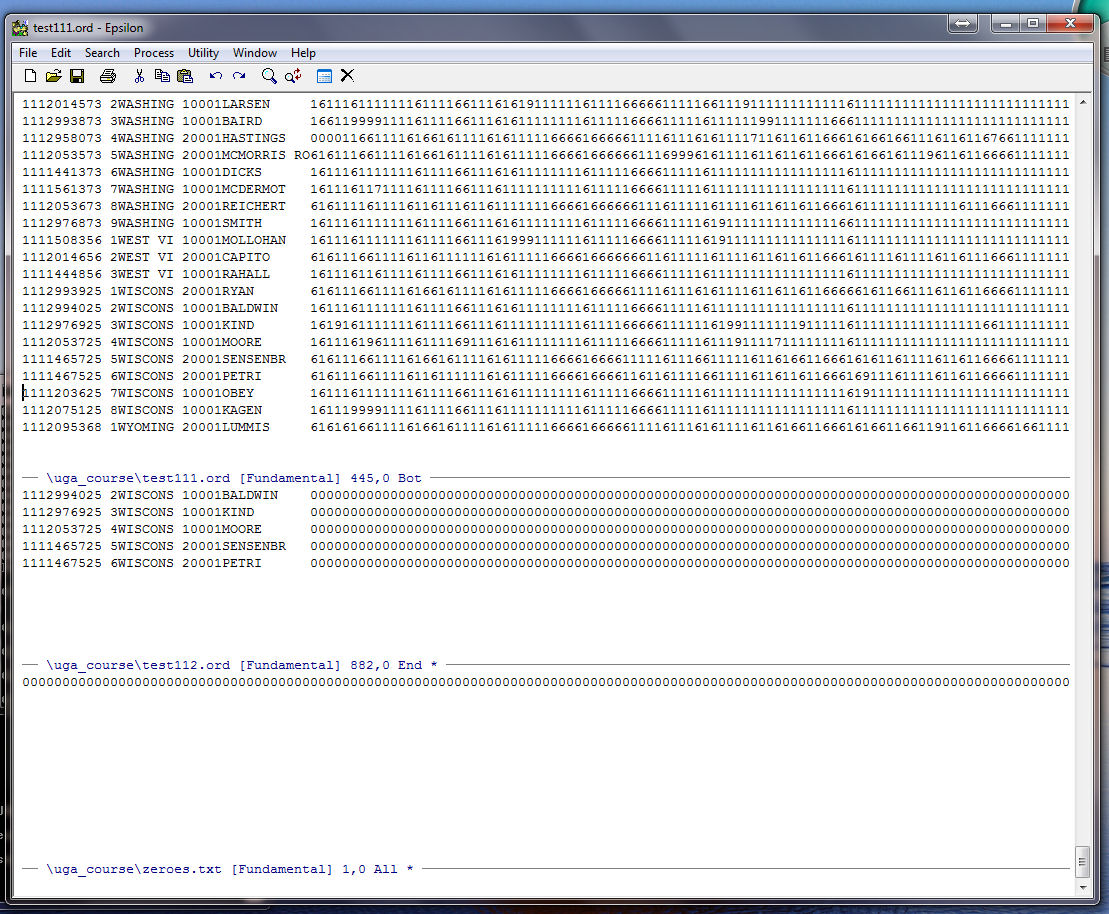
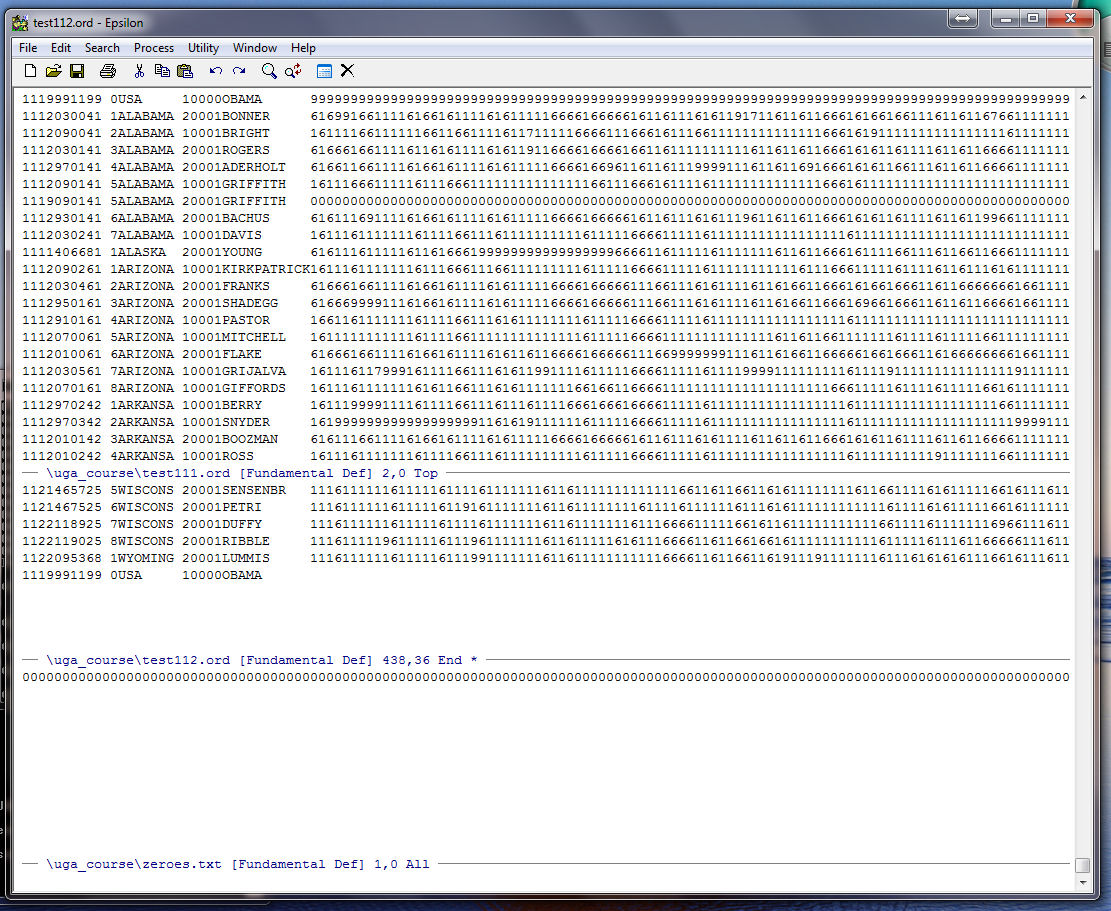
Now run the macro three more times and you should be here:
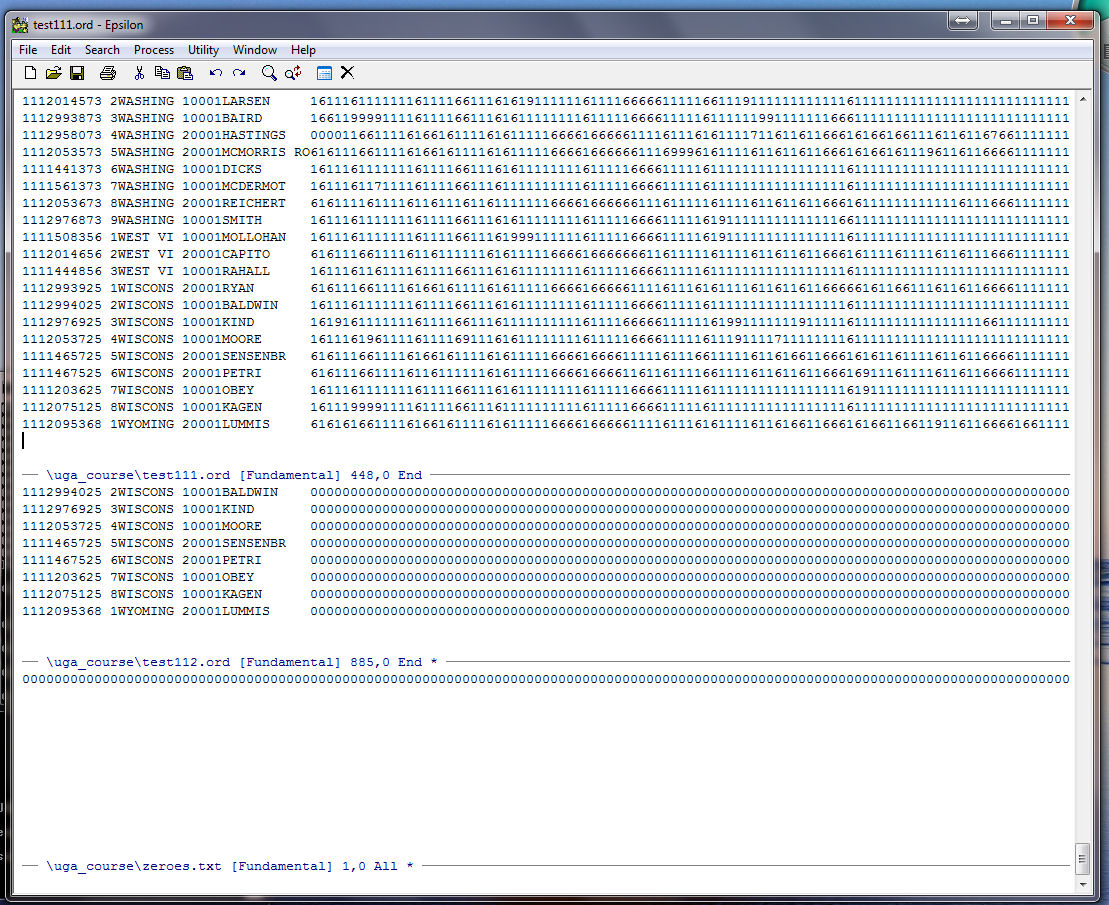
Save TEST112.ORD with C-X C-S, go down to the window with ZEROES.TXT using C-X DOWN, close the window with C-X 0, go up to the window with TEST111.ORD using C-X UP, and position the cursor at the beginning of OBAMA's record:
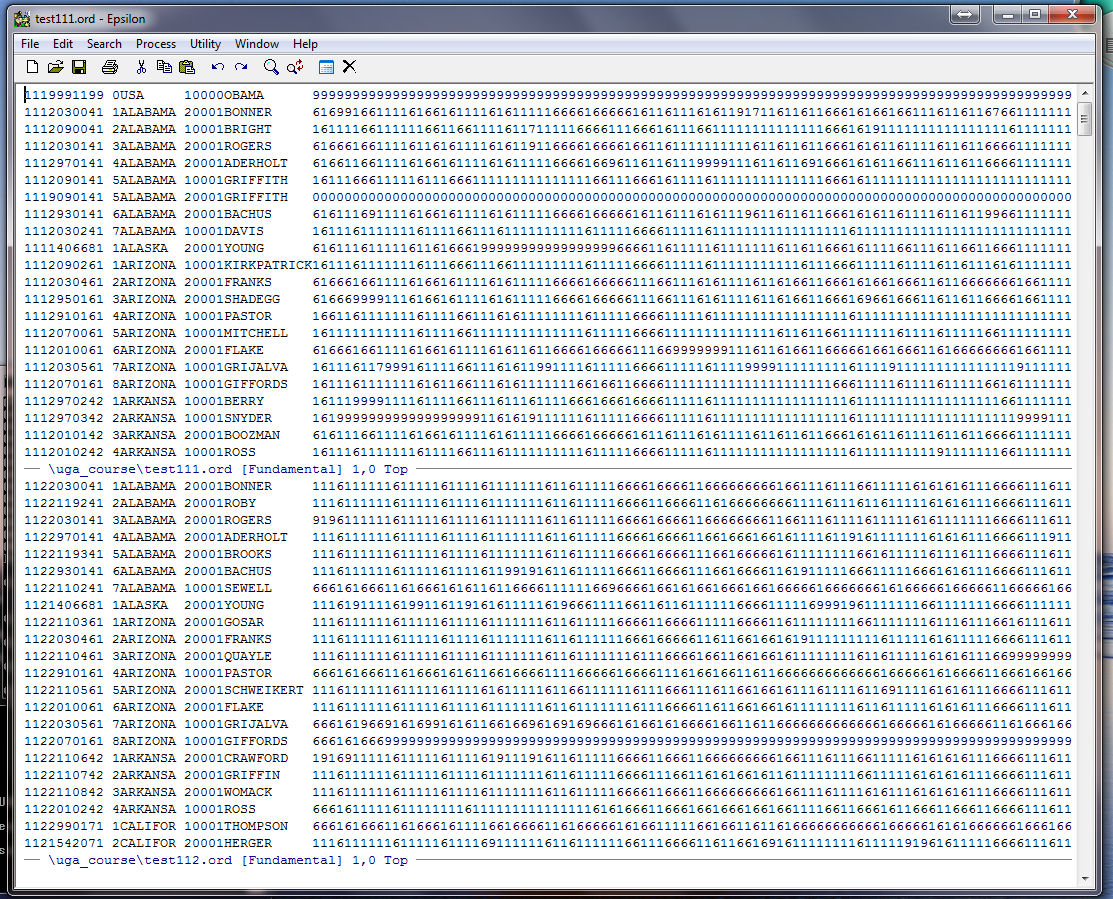
We now start a new keyboard macro that we will use to grab the 687 roll call votes from TEST112.ORD and place them at the end of the record for each member in TEST111.ORD. Start the keyboard macro with C-X ( and then highlight the header after "111" through the party code (this makes it certain that we will get a match when we move to TEST112.ORD):
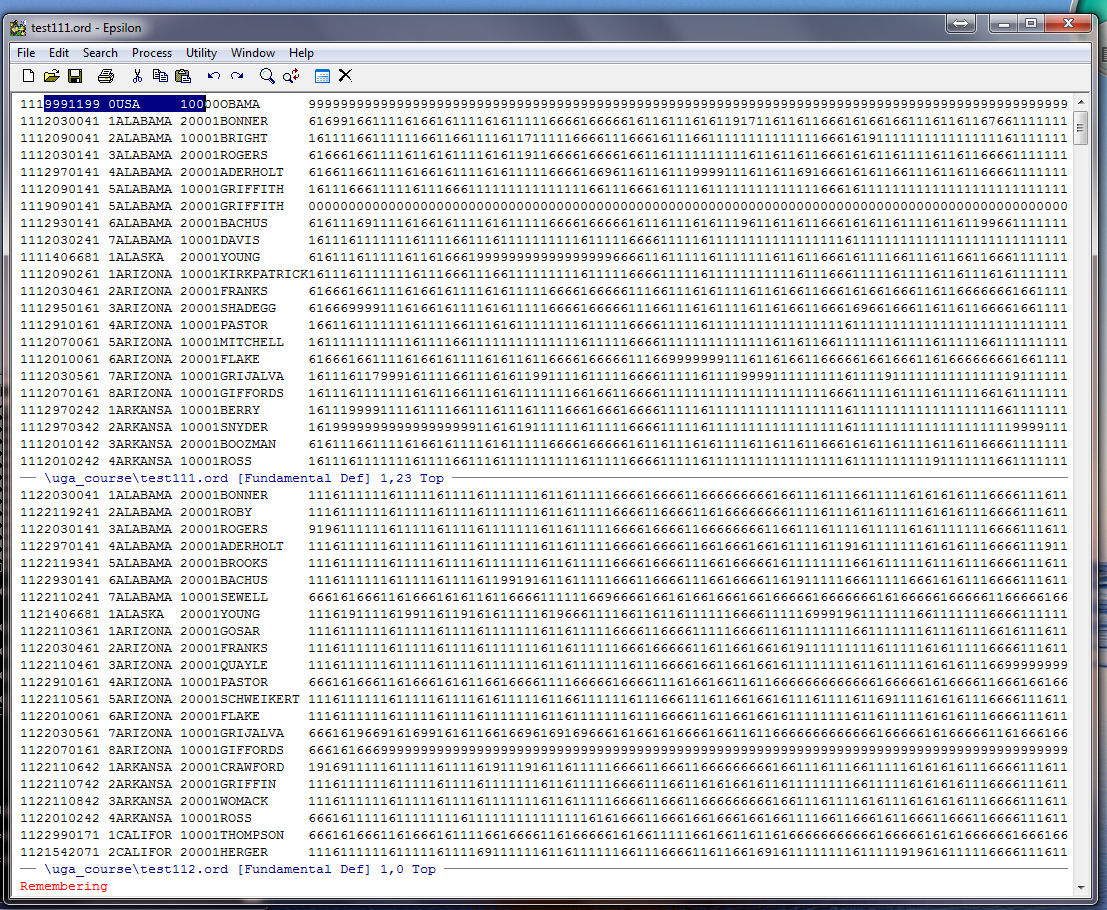
Place the highlighted area on the clipboard, go down to TEST112.ORD with C-X DOWN, go to the beginning of the file with ALT-< , then type ALT-X which is the named command option in Epsilon. Now type "string-search":
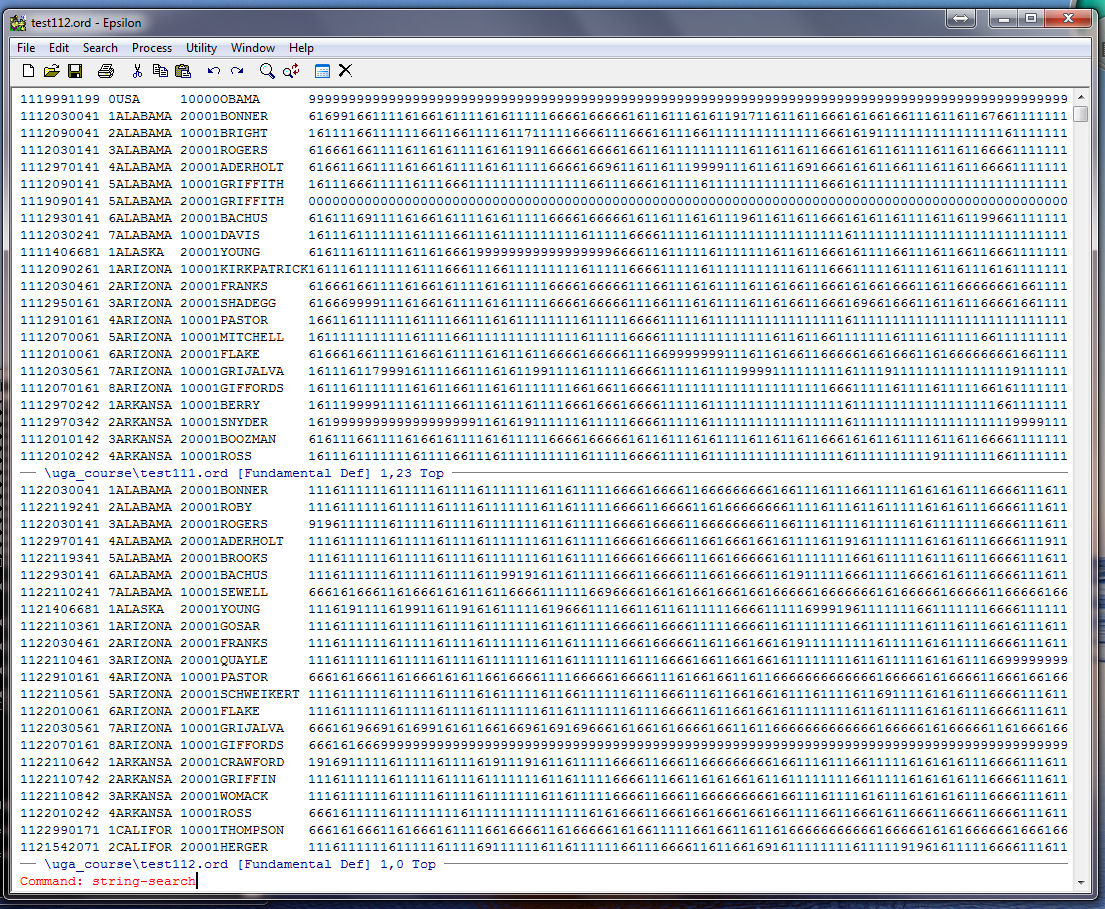
Now type Enter and Search: appears at the bottom of the window. Yank the header from the Buffer with C-Y and you will see:
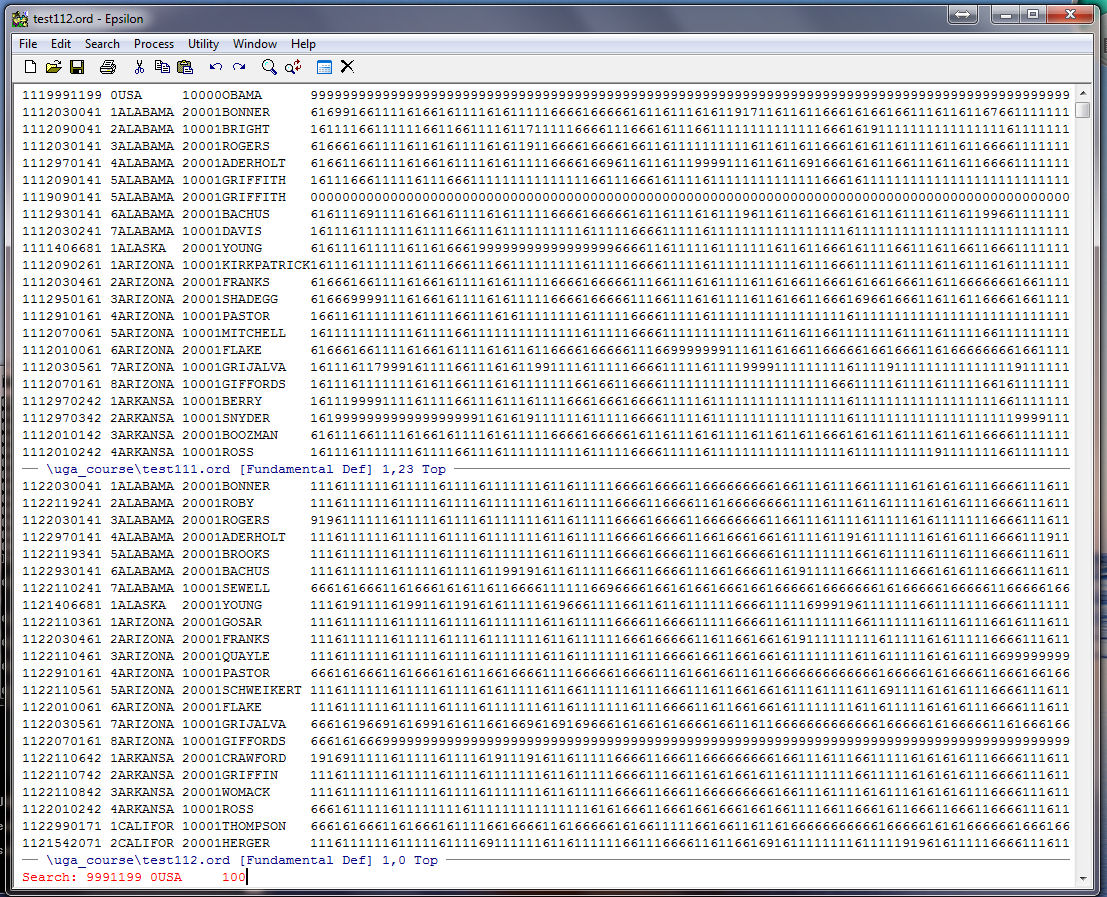
Now type Enter and the cursor will now be at the first appearance of header (in this case the header for President Obama):
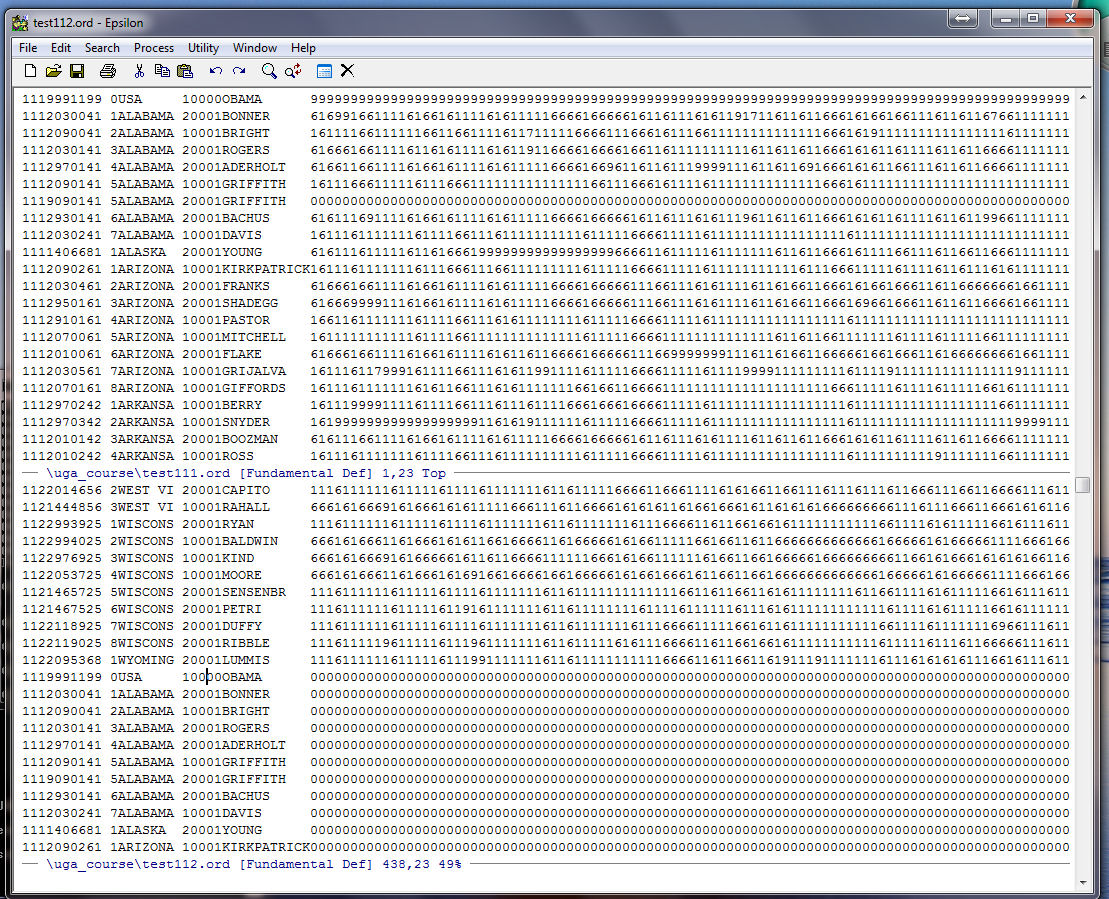
Move the cursor 13 columns to the right so that it is at the beginning of the roll calls. You can do this by using the the argument command, C-U, and typing "13" and then C-F, the forward character command. You can do the same thing by using the LEFT arror key. Place the row of roll call votes to the right of the cursor into the kill buffer with C-K. The cursor should be here:
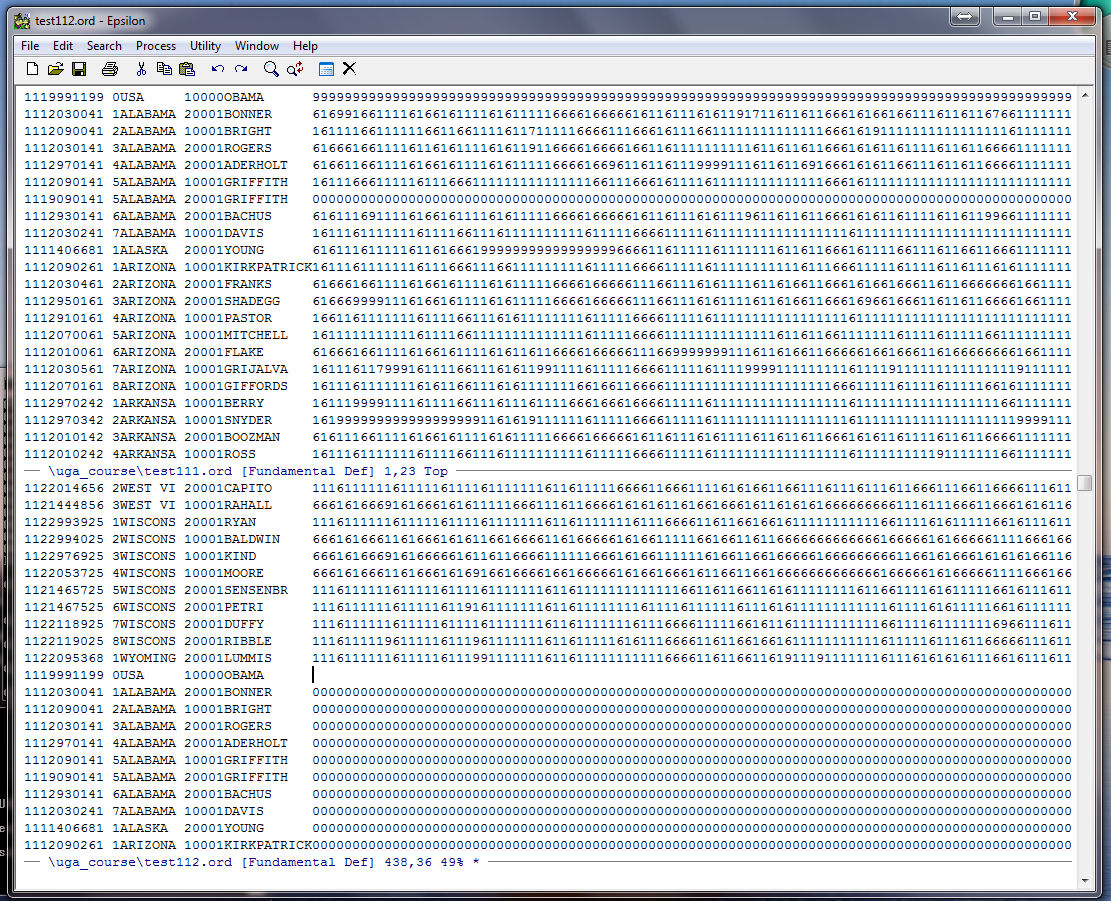
Now type some unique string of characters that you know do not appear in the file! The reason is that we can search for the unique string later and delete the corresponding rows they appear in. Here I type "beavis":
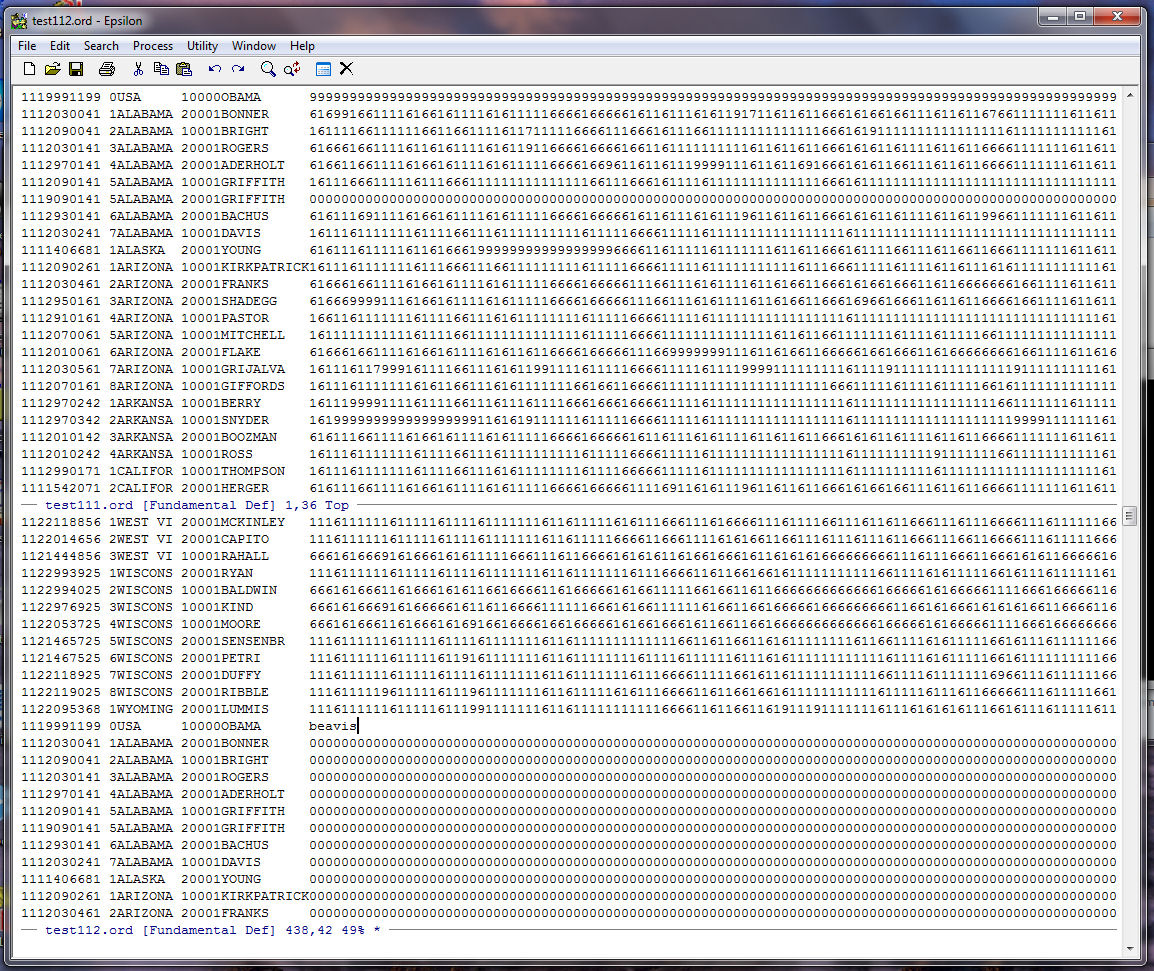
Now go back up to the top window with C-X UP. Yank the roll vector from the Buffer with C-Y and it should look like this:
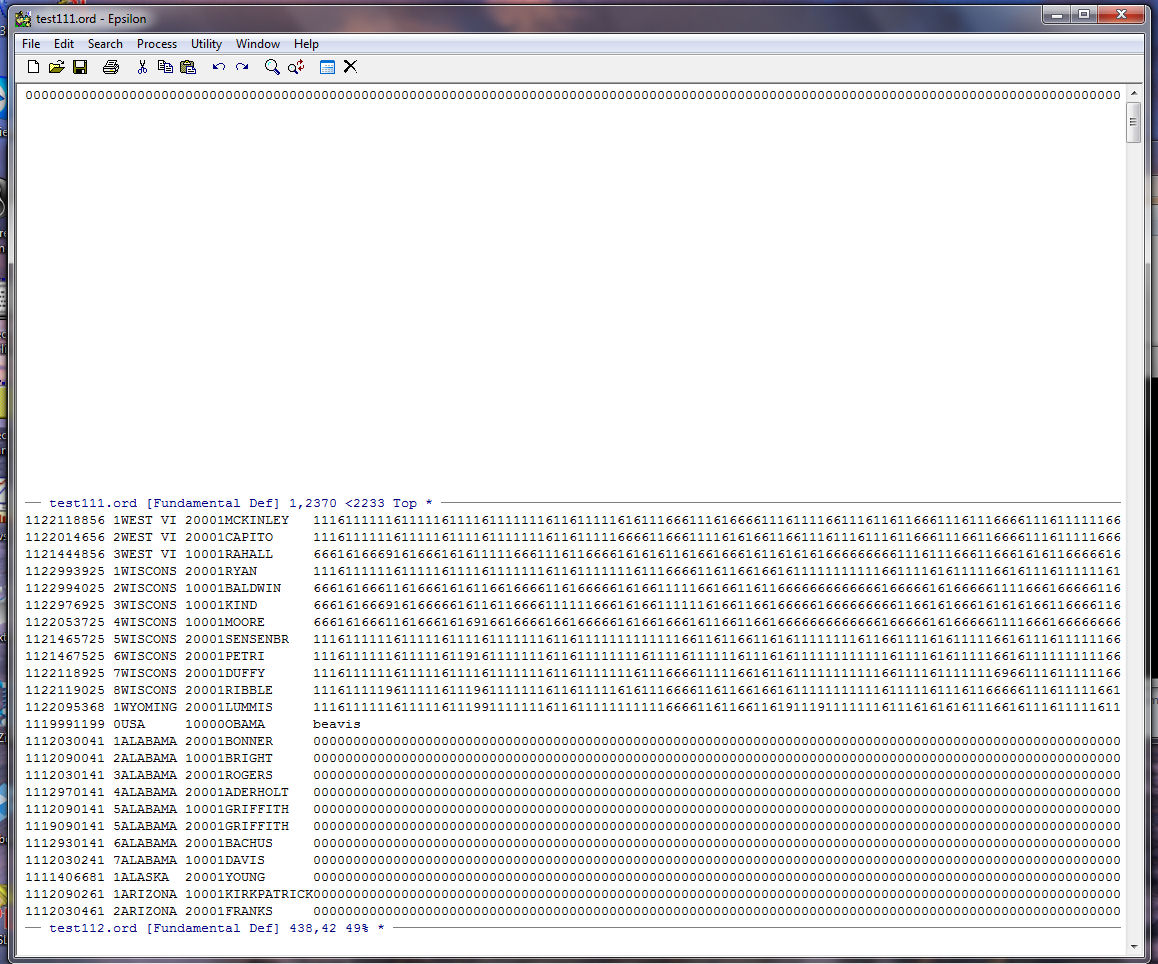
Go to the beginning of the line with C-A, move down one line with C-N, and now end the keyboard macro using C-X ):
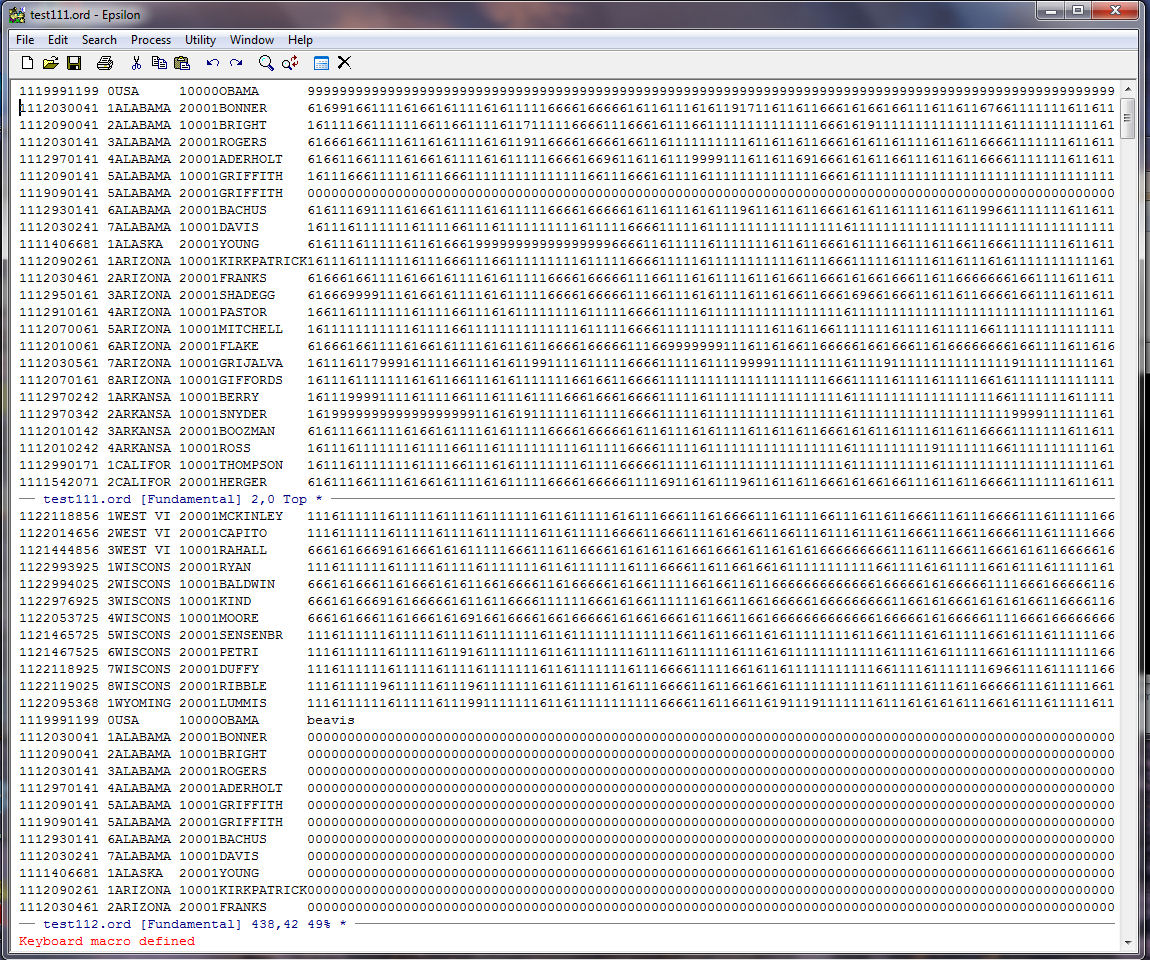
Run keyboard macro one time with C-X E and you should end up with the cursor in front of the record for BRIGHT:
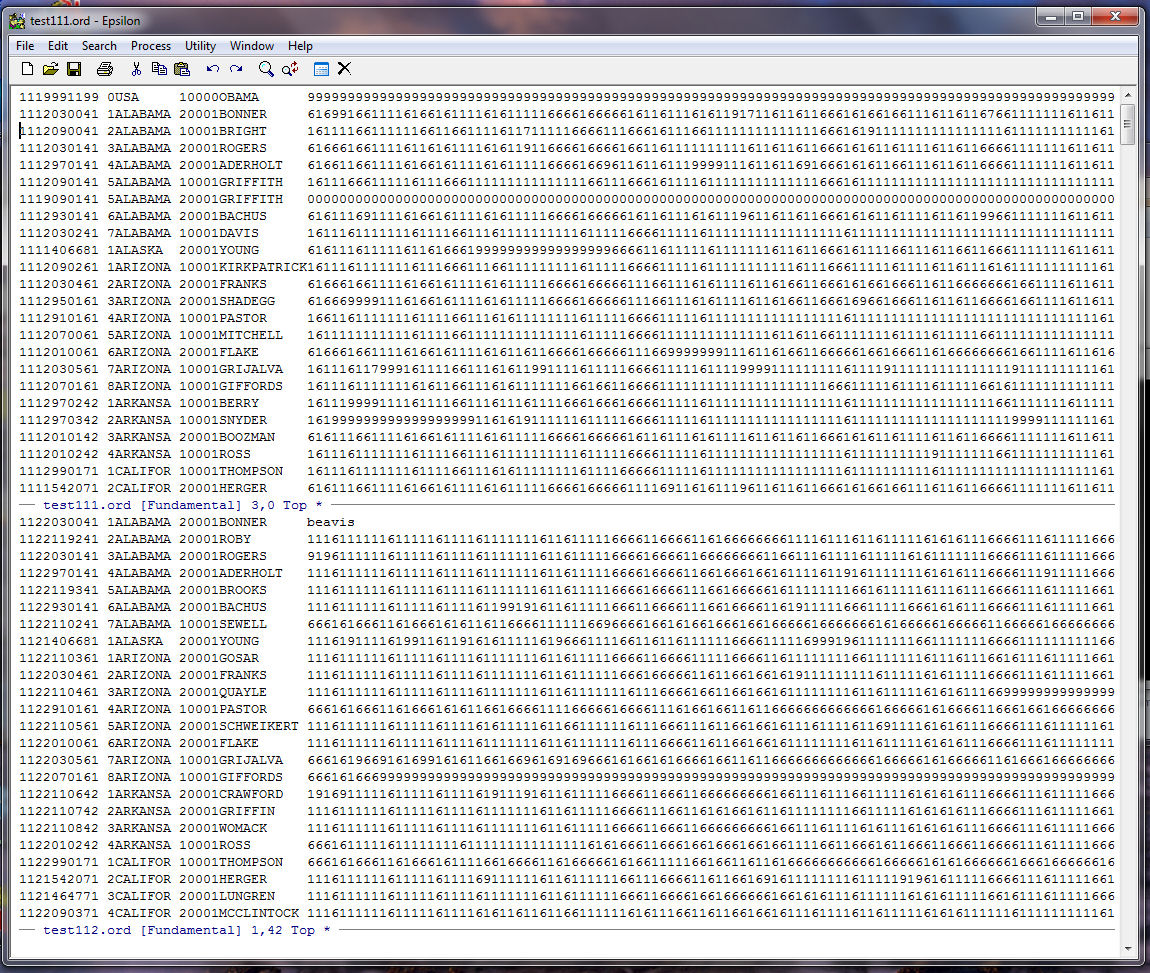
Running the macro 446 more times finishes the file:
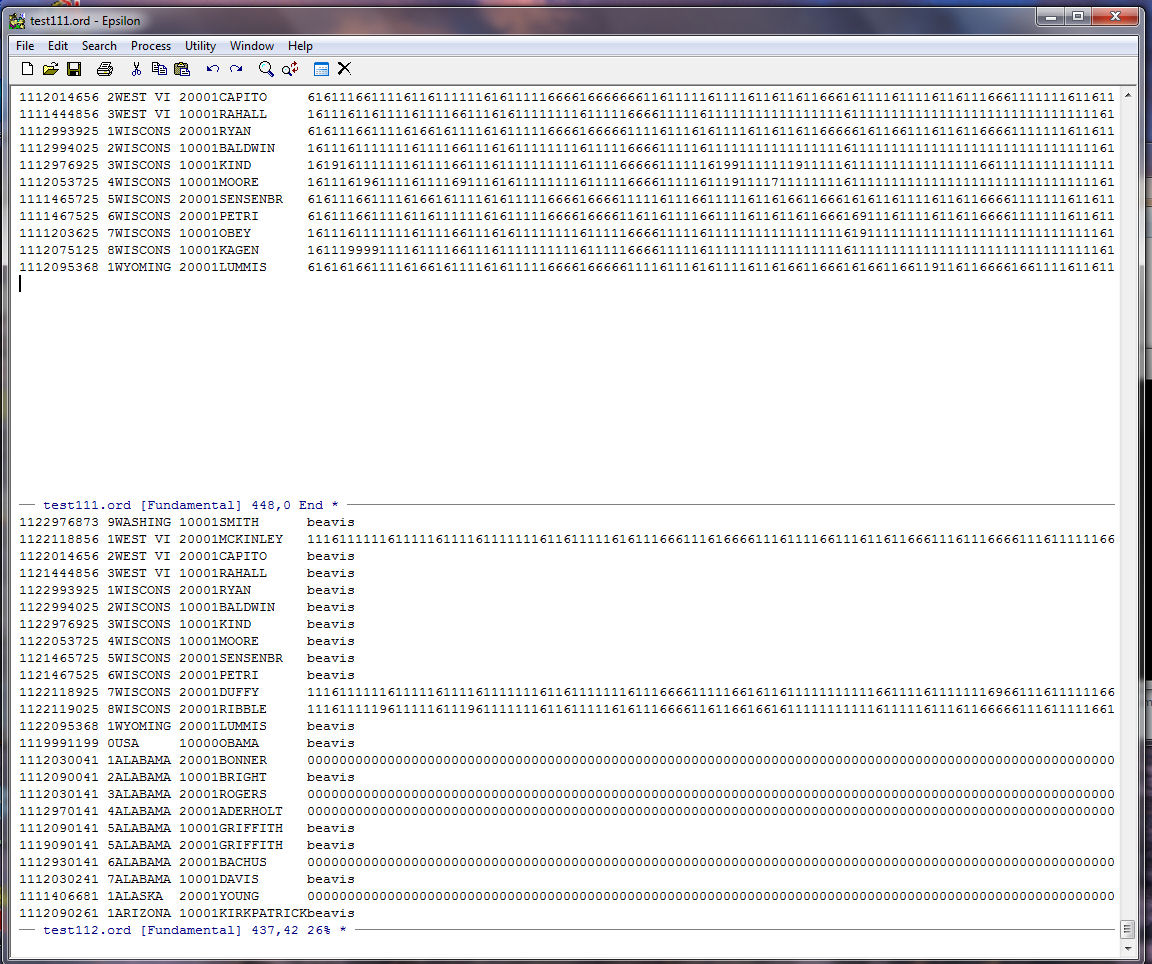
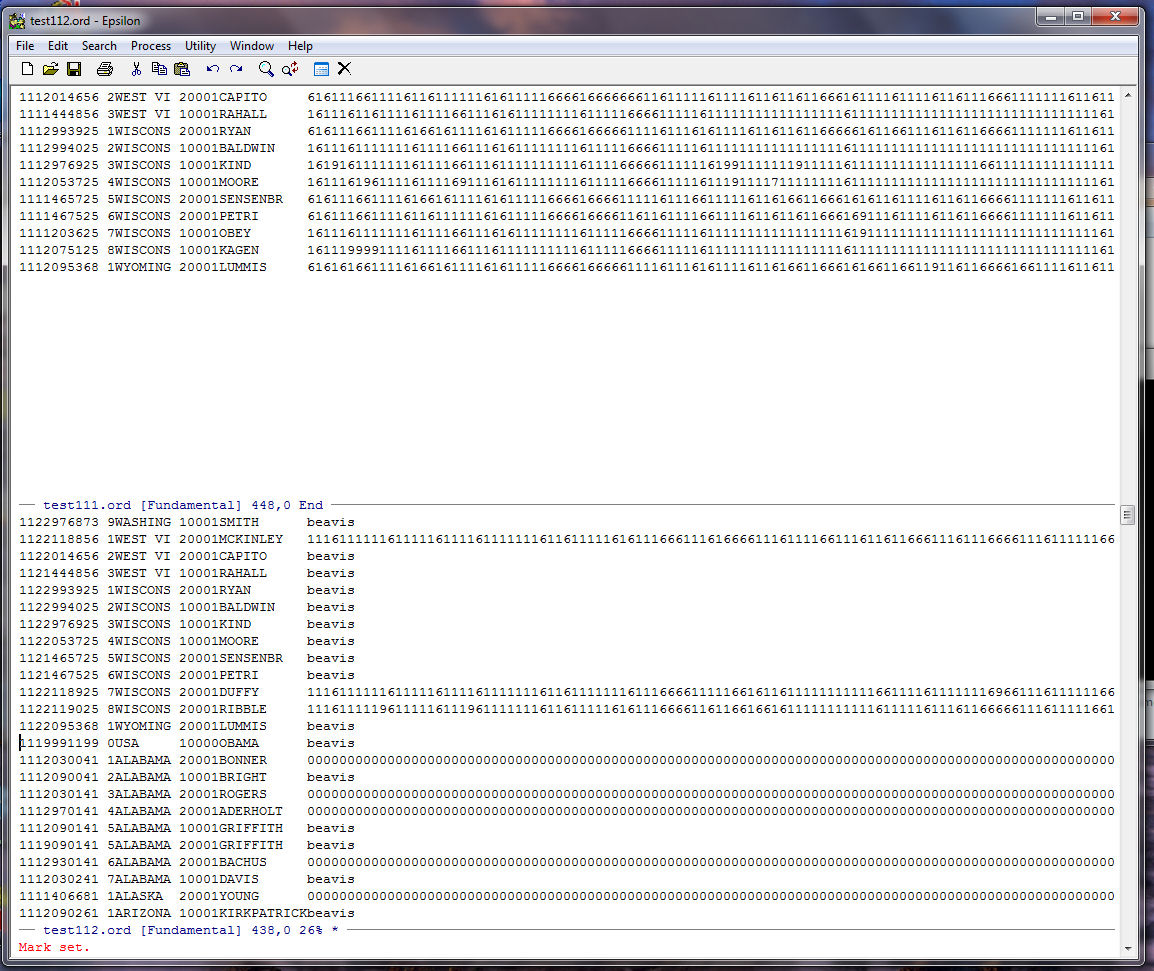
Save TEST111.ORD with C-X C-S and move down to TEST112.ORD using C-X DOWN. Go down to the beginning of President Obama's record for the 112th (just search down the file using C-S and then type "OBAMA". Epsilon will go down the file until it finds what you are searching for [to search upwards in the file use C-R and then type your string]). Once you find OBAMA go to the beginning of the line with C-A. Now set a mark with C-@ and you are here:
Go to the end of the TEST112.ORD file using ALT-> . The aim is to delete all the duplicate records for members of the 111th House from the bottom of TEST112.ORD. You are here:
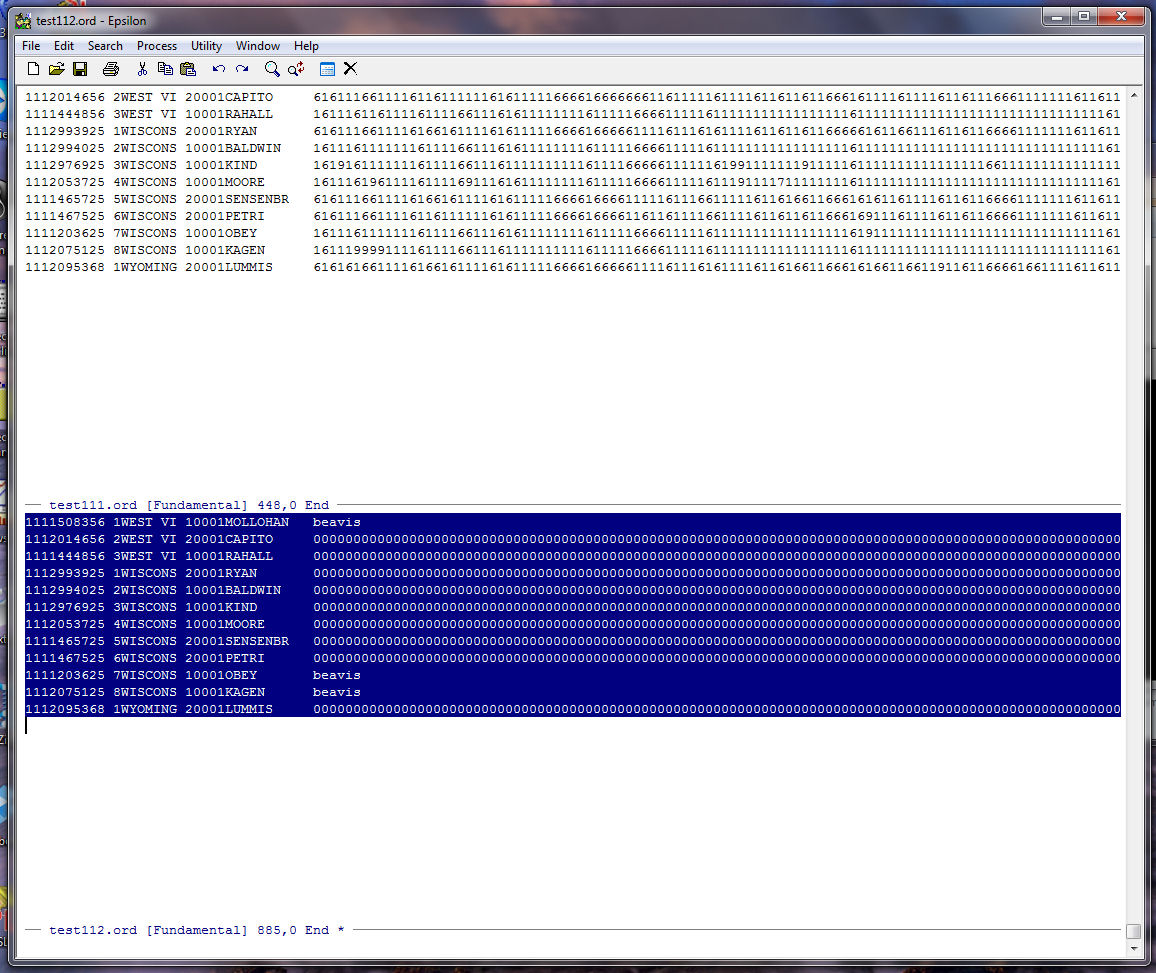
Hit the Delete key to erase the highlighted records and it should look like this:
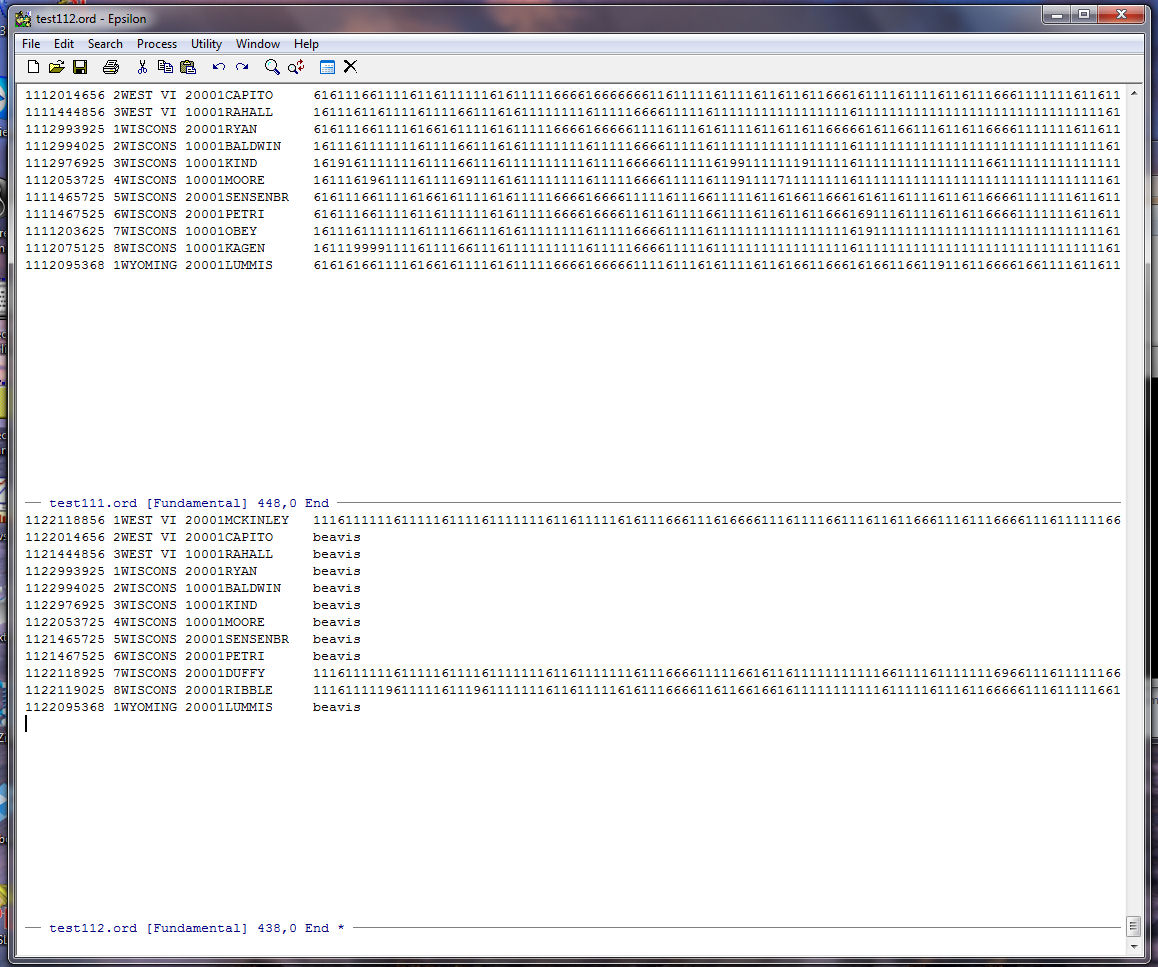
Next we use a keyboard macro to get rid of all the records in TEST112.ORD that contain the word "beavis". This way we will be left with only the new members in the 112th House. We do this with the commands:
C-X ( -- Start the keyboard macro
C-S Beavis -- search down the file for the string "Beavis"
C-A Go to the beginning of the line
C-K C-K -- Use kill buffer twice and it deletes the line
C-X ) -- end the keyboard macro
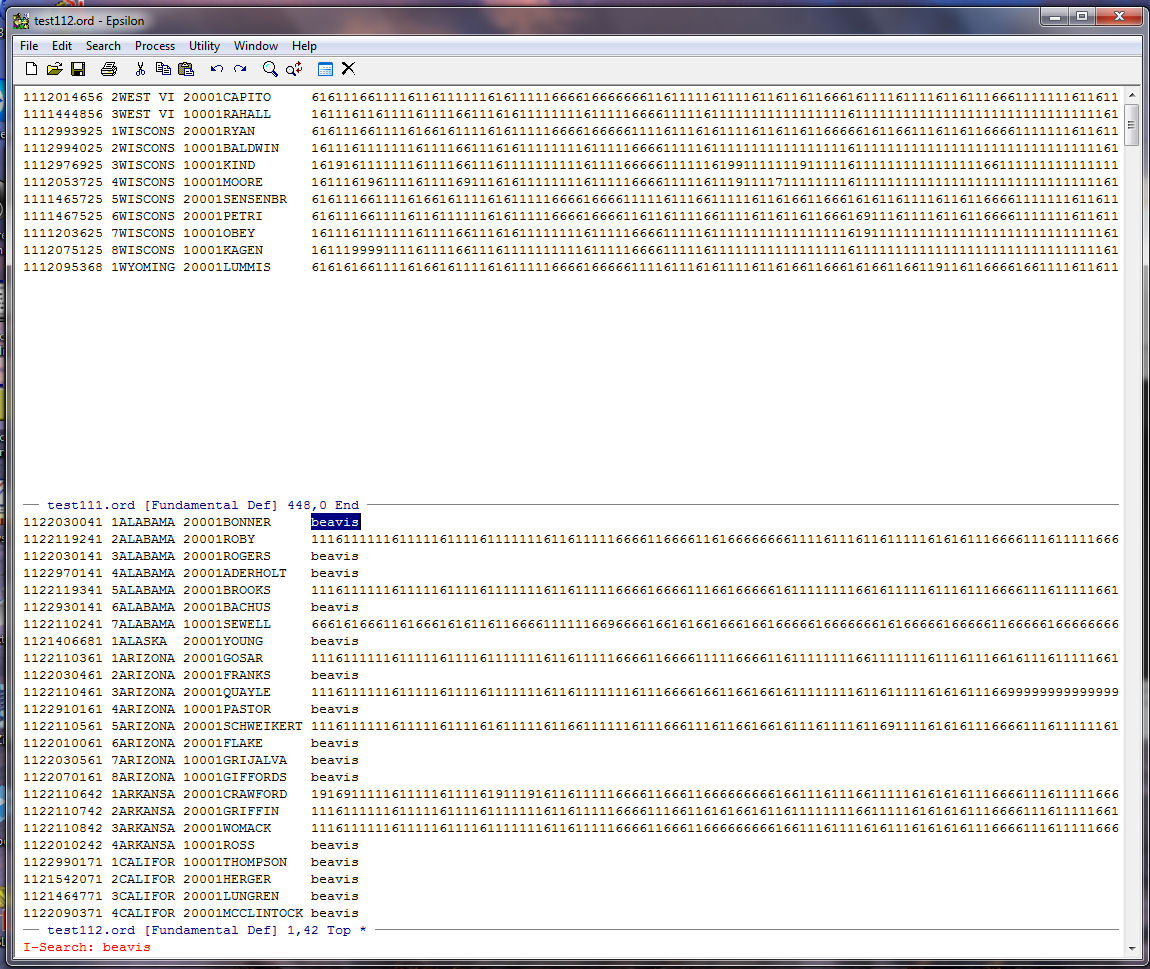
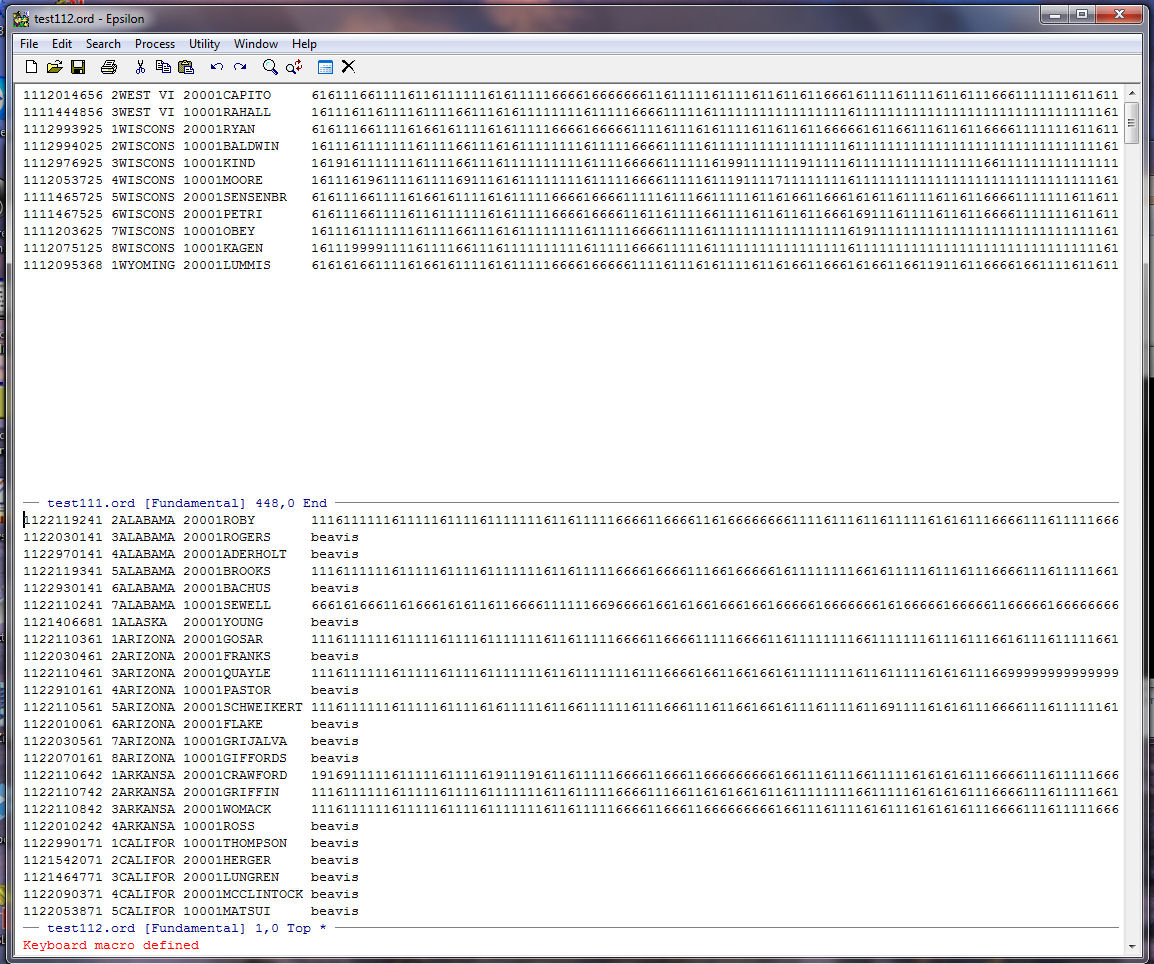
Run the macro to the end of TEST112.ORD and you should be here:
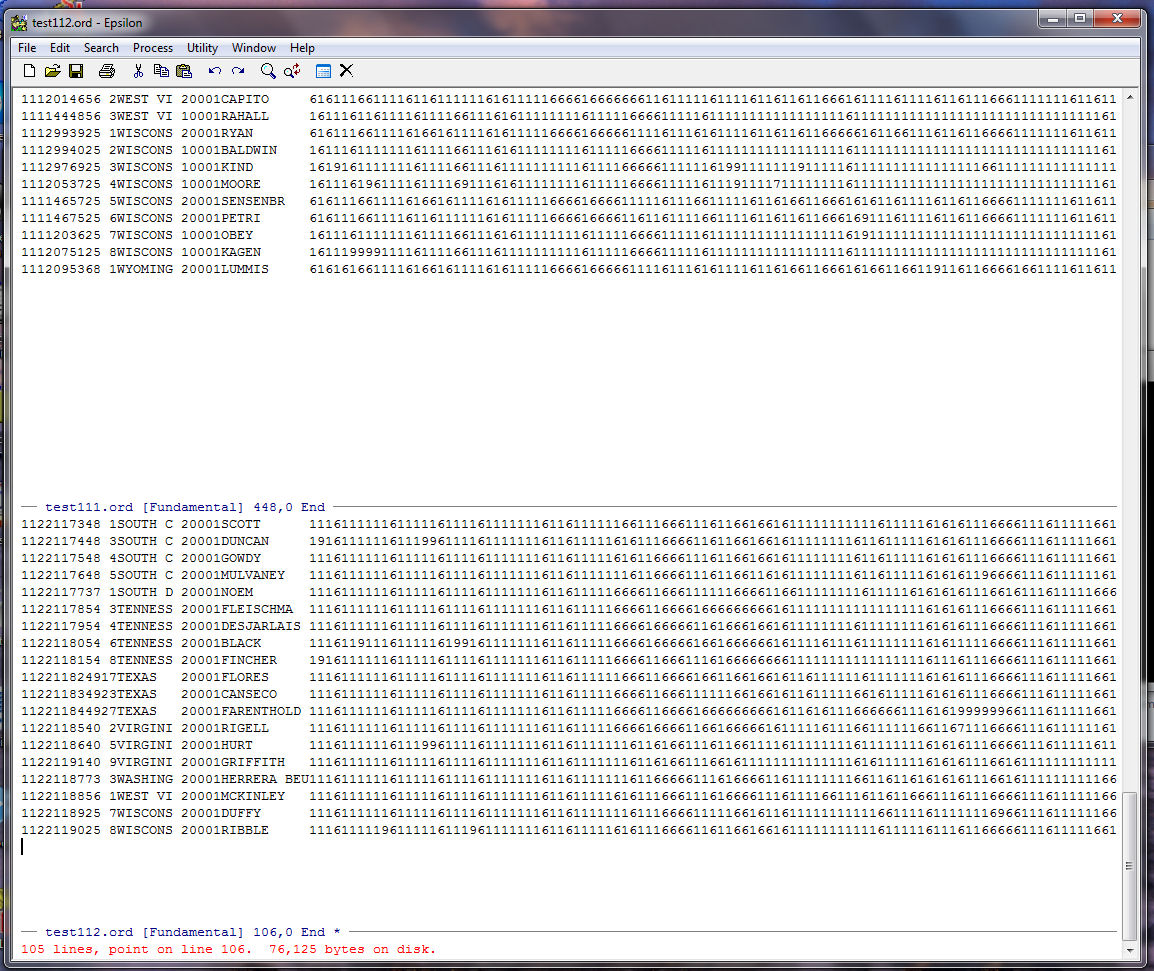
Now we need to put 960 zeroes on the beginning of the record for each of the new members in the 112th. Split the Window -- C-X 2 -- holding TEST112.ORD so that there are now 3 windows. In the bottom window use The Find File Command -- C-X C-F -- to get the file ZEROES.TXT that we used above:
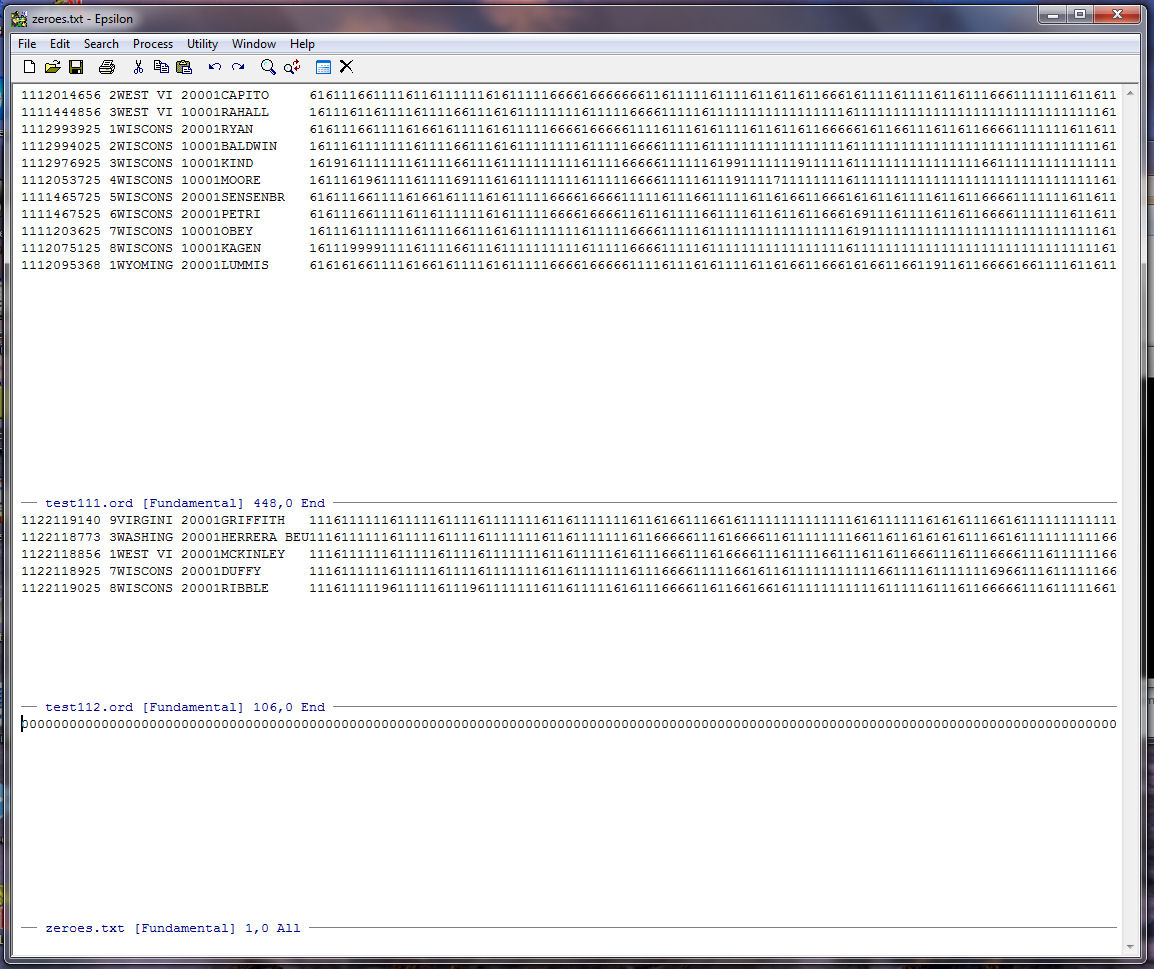
Go to the end of the string of zeroes and remember that this string is 687 columns long:
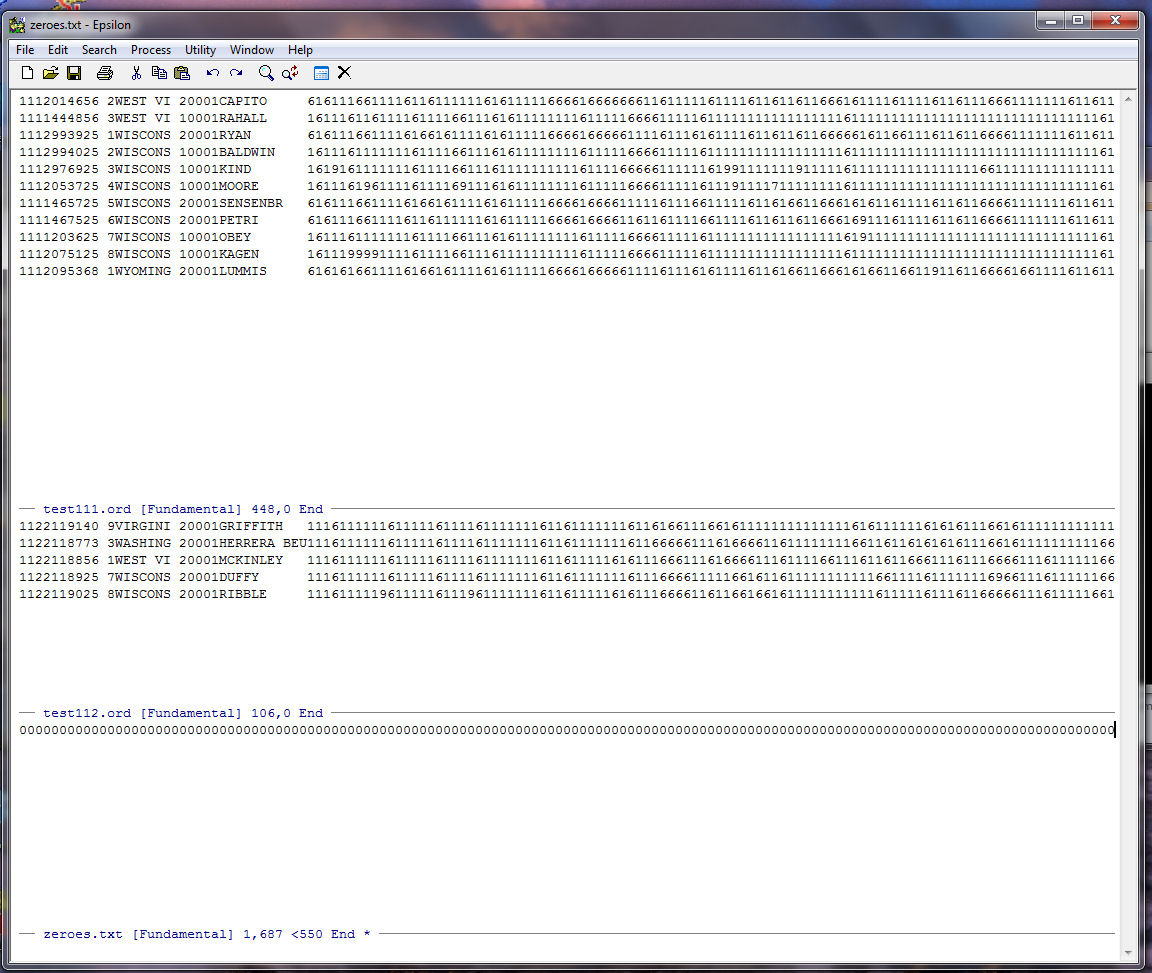
We can create 960 more zeroes using the same trick we used above. First, type "0" on the end of the zeroes string, put the zero in the kill buffer (C-K), type C-U (the argument command), and type "960" and then C-Y (the yank from Buffer command):
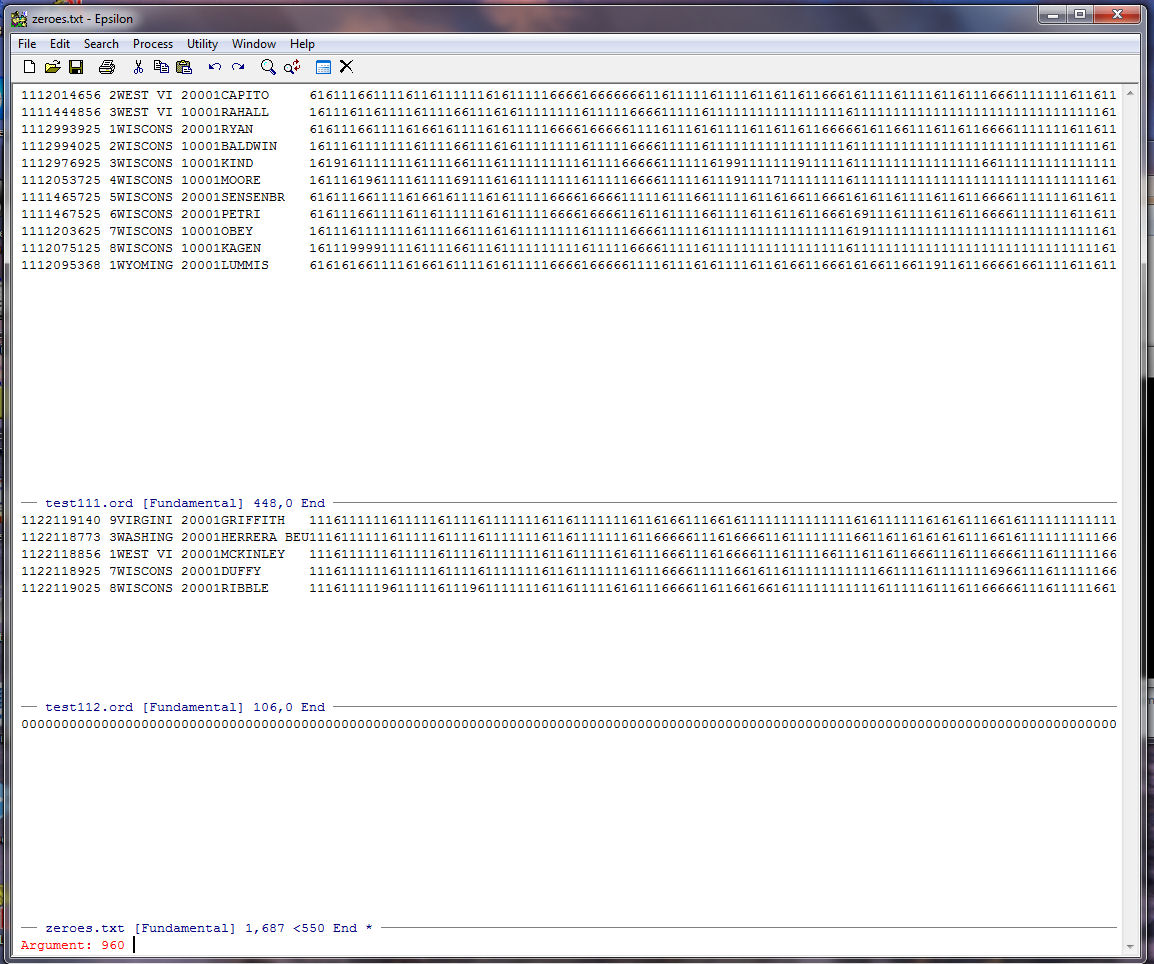
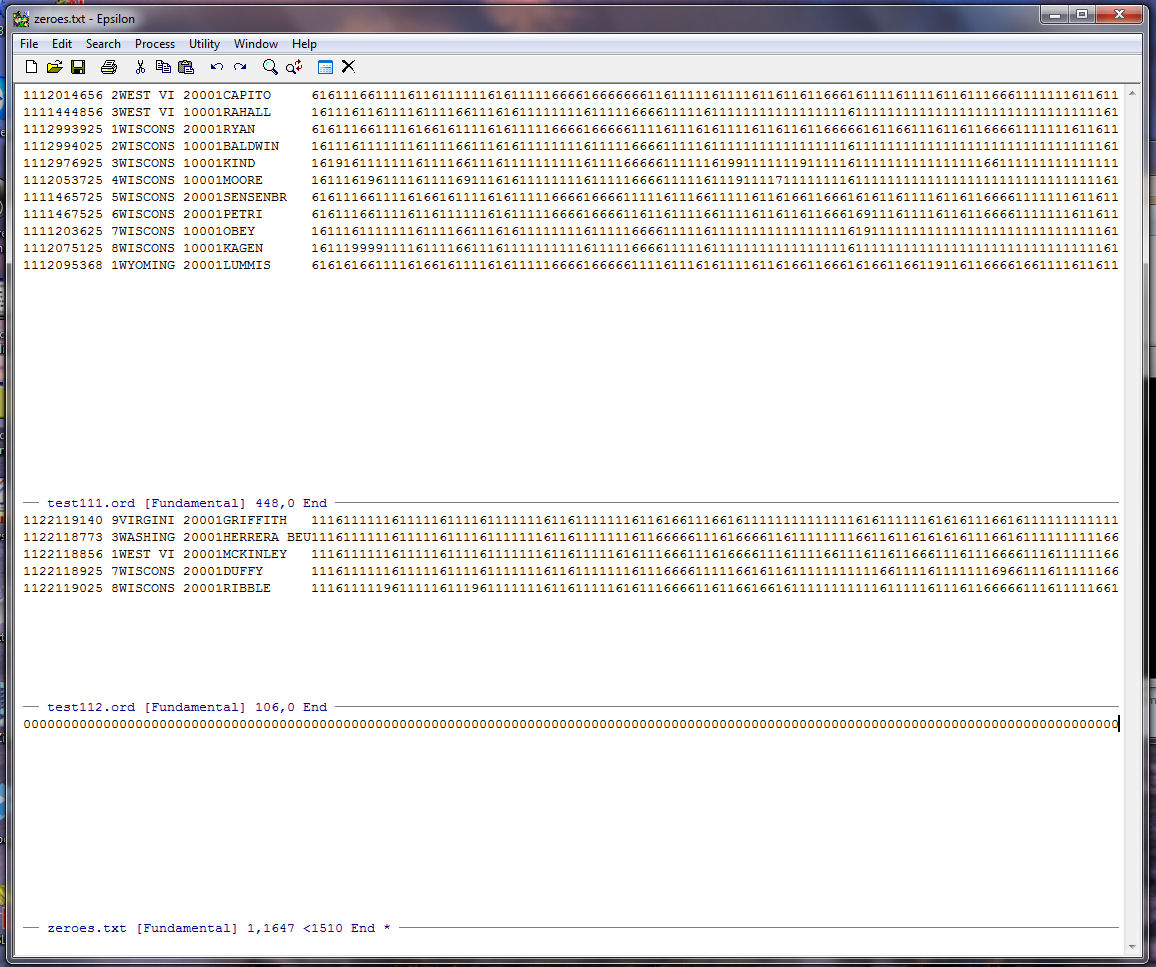
Note that Epsilon tells us at the bottom of the zeroes.txt window that our string of zeroes is 1,647 long:
Now we are going to write a simple keyboard macro to insert the 1,647 zeroes on the front of every Representative's record in TEST112.ORD. Put the cursor at the beginning of the TEST112.ORD file. Then record the following macro:
C-X ( -- Start the keyboard macro
C-U36 C-F -- the argument command, C-U, and typing "36" and then C-F, the forward character command moves the cursor to the right 36 columns
C-X DOWN -- move down to zeroes.txt
C-A Go to the beginning of the line
C-K -- Place the zeroes string in kill buffer
C-Y -- yank the zeroes from the Buffer
C-A Go to the beginning of the line
C-X UP -- move up to TEST112.ORD
C-Y -- yank the zeroes from the Buffer
C-A -- Go to the beginning of the line
C-N -- move down one line so the cursor is in front of the record for BROOKS
C-X ) -- end the keyboard macro
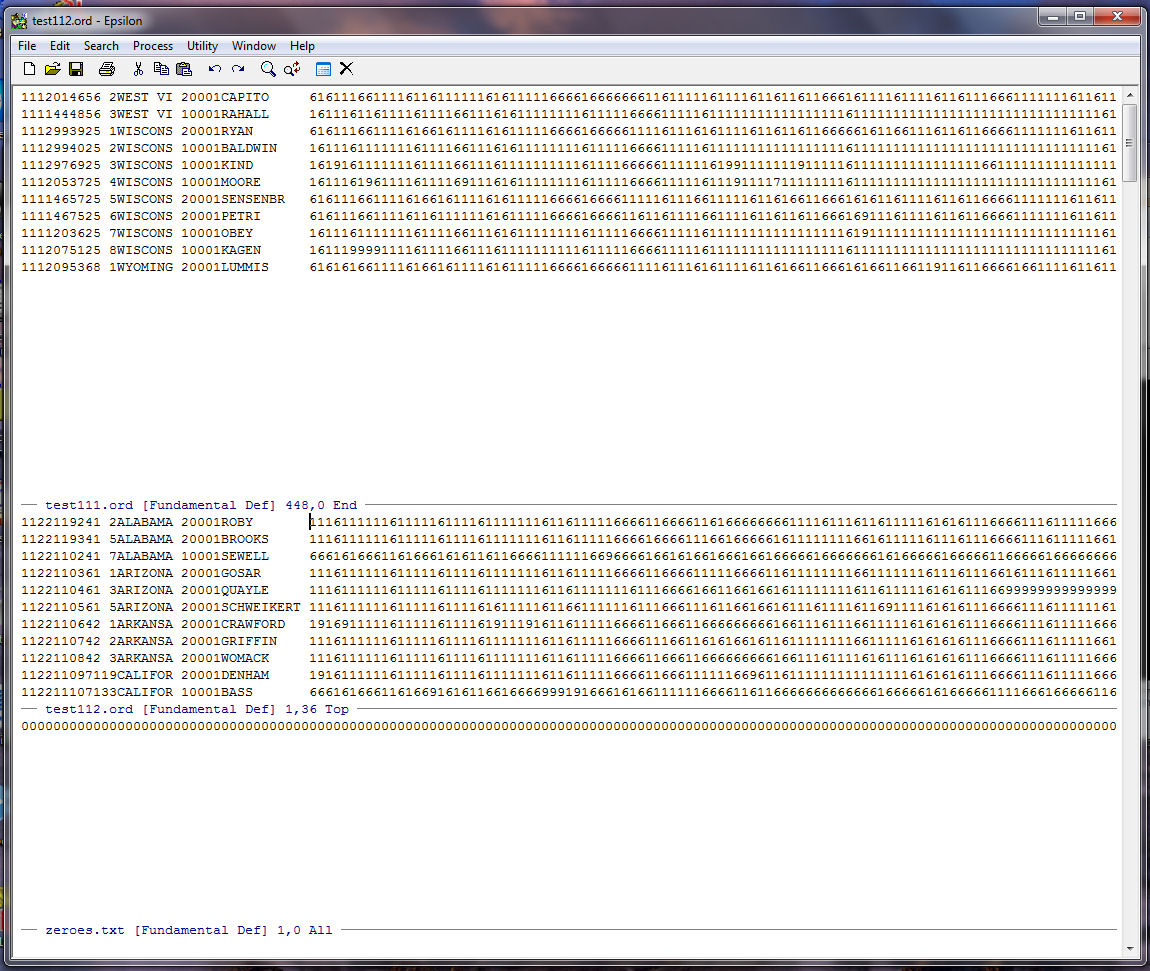
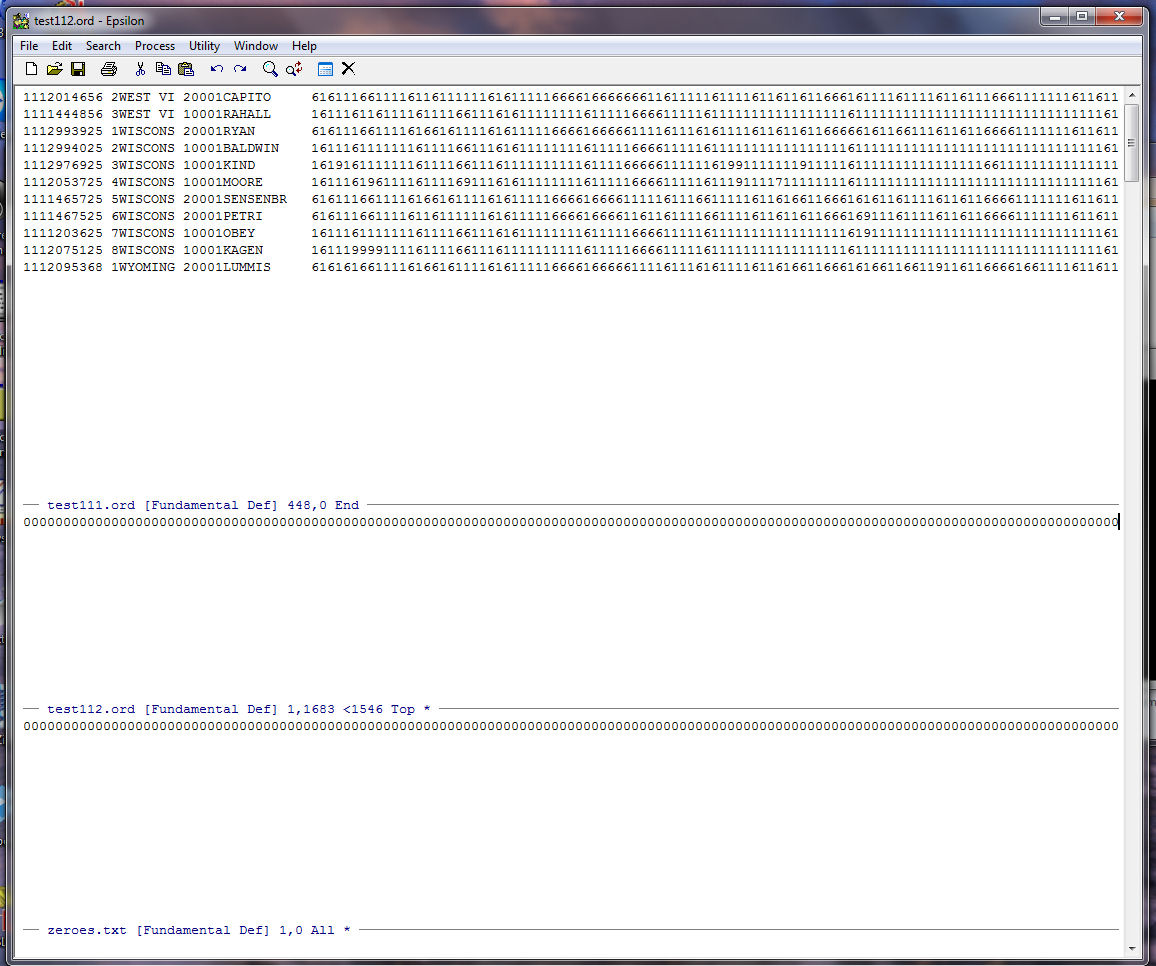
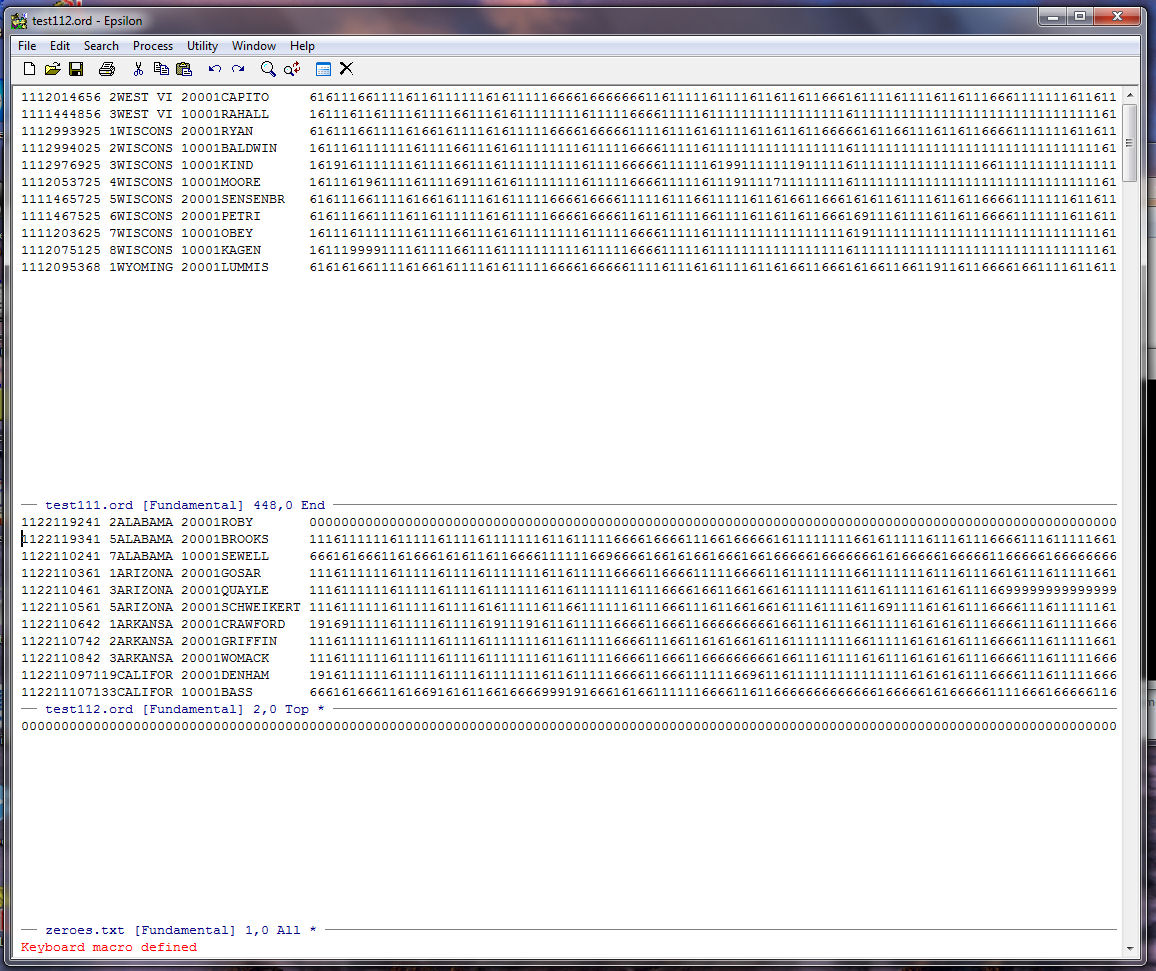
Run the macro to the end of TEST112.ORD and you should be here:
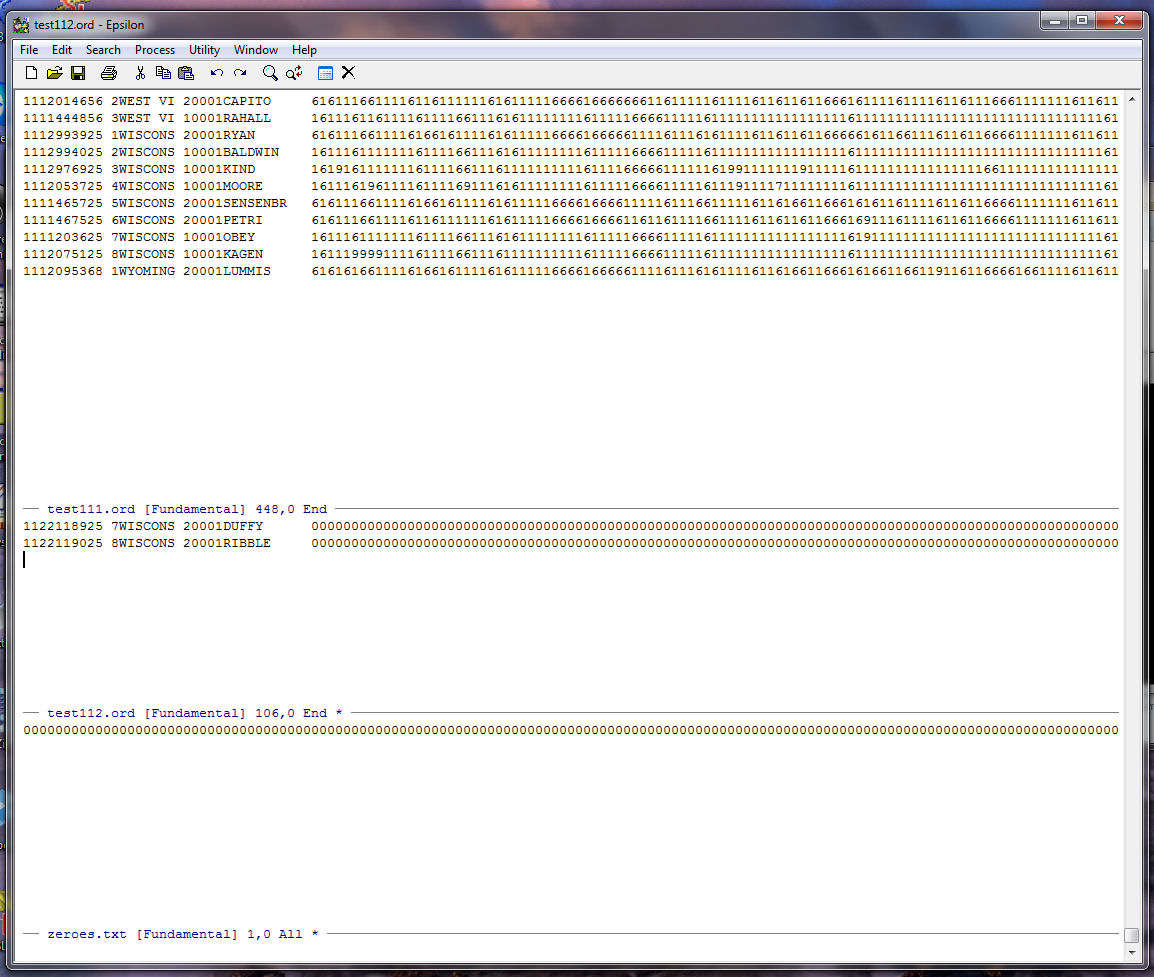
close the window holding zeroes.txt with C-X 0, go to the beginning of the TEST112.ORD with ALT-< . We are going to copy TEST112.ORD and paste it on the bottom of TEST111.ORD and we are finished. Set a mark with C-@ and you are here:
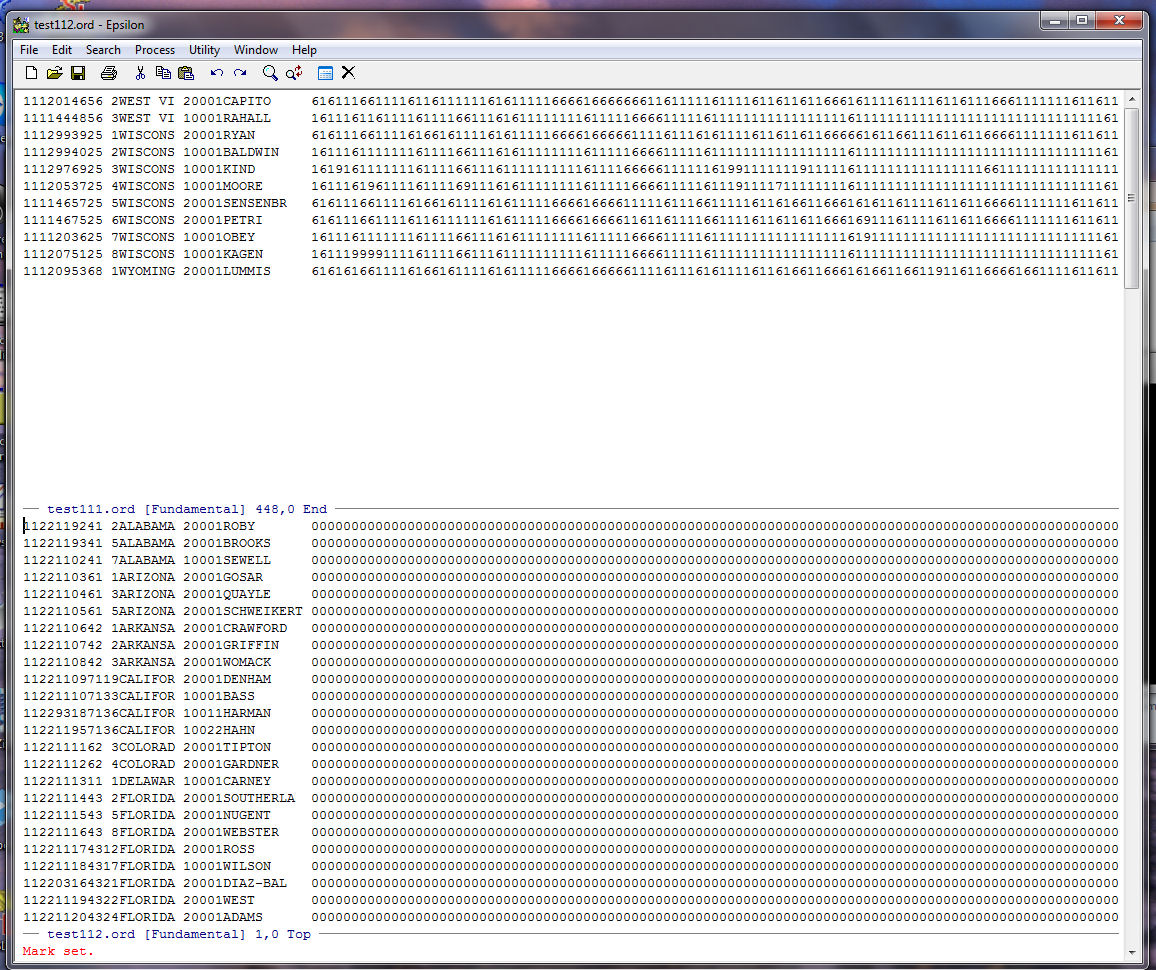
Go to the end of the TEST112.ORD file using ALT-> . This will highlight the whole file:
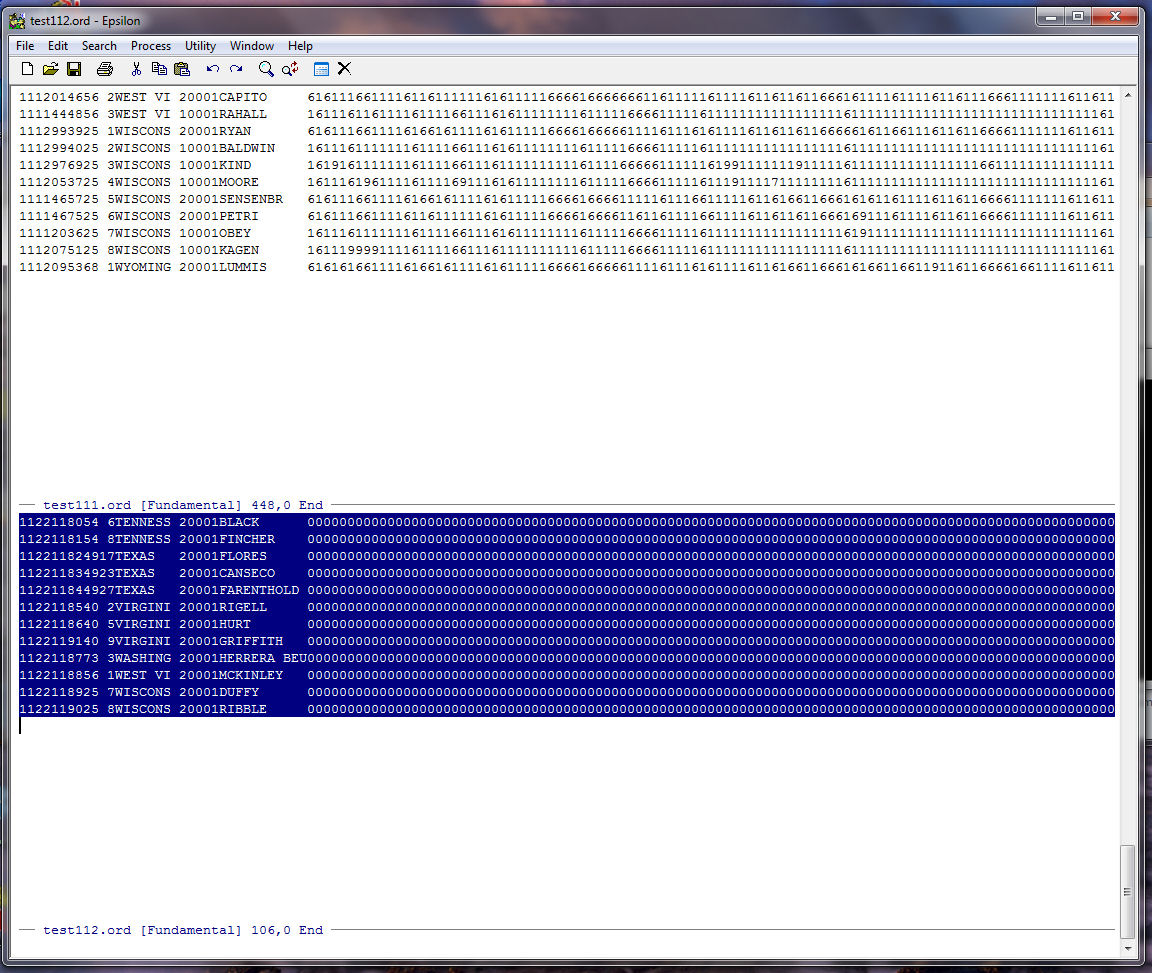
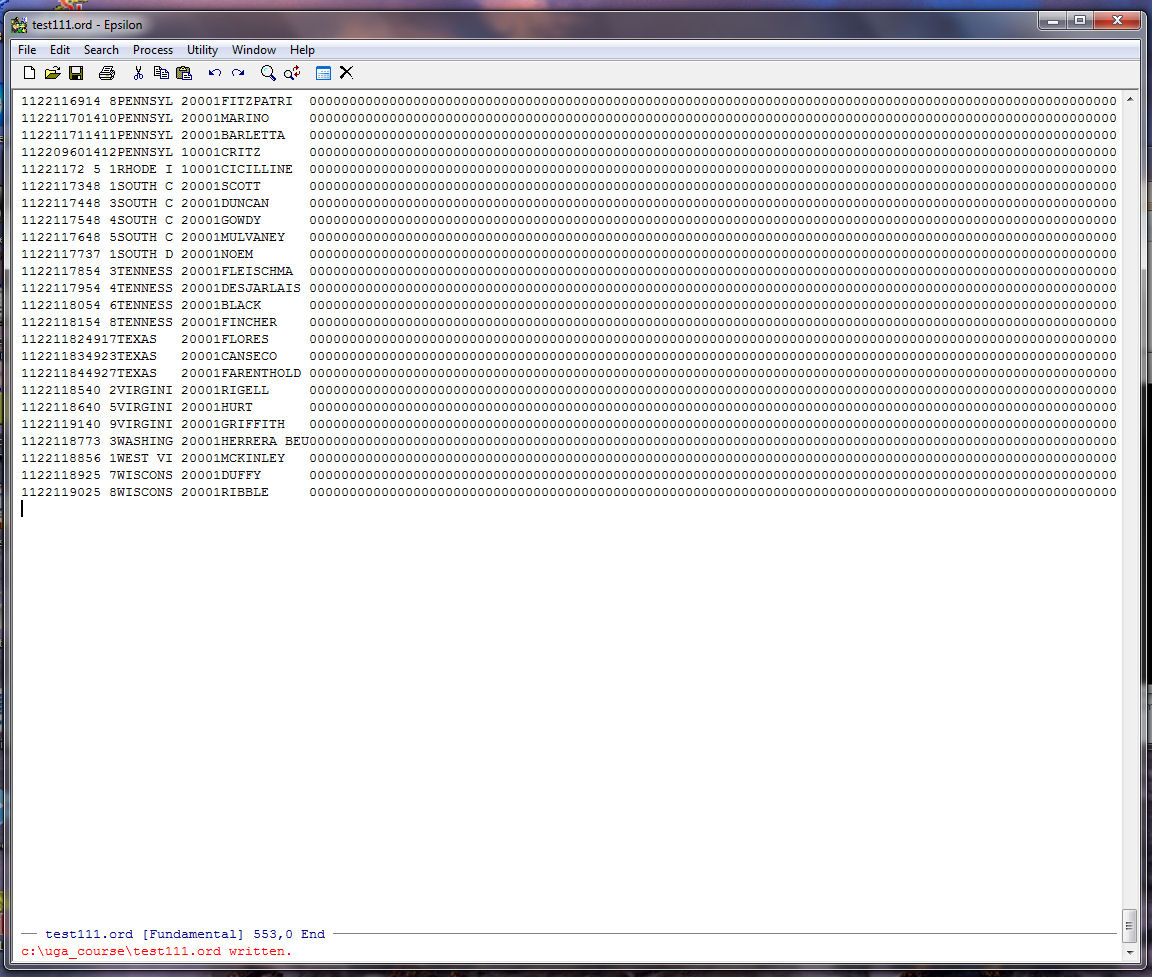
Put the whole file on the clipboard (kill the highlighted region with C-W is the same as using the clipboard), close the window with C-X 0 (you should be at the bottom of TEST111.ORD), and yank TEST112.ORD from the Buffer with C-Y, and Save TEST111.ORD with C-X C-S. You should see:
It is always good practice to check to make sure all the rows are the same length. Go up the file and place the cursor at the beginning of the record for LUMMIS (the last record for the 111th House):
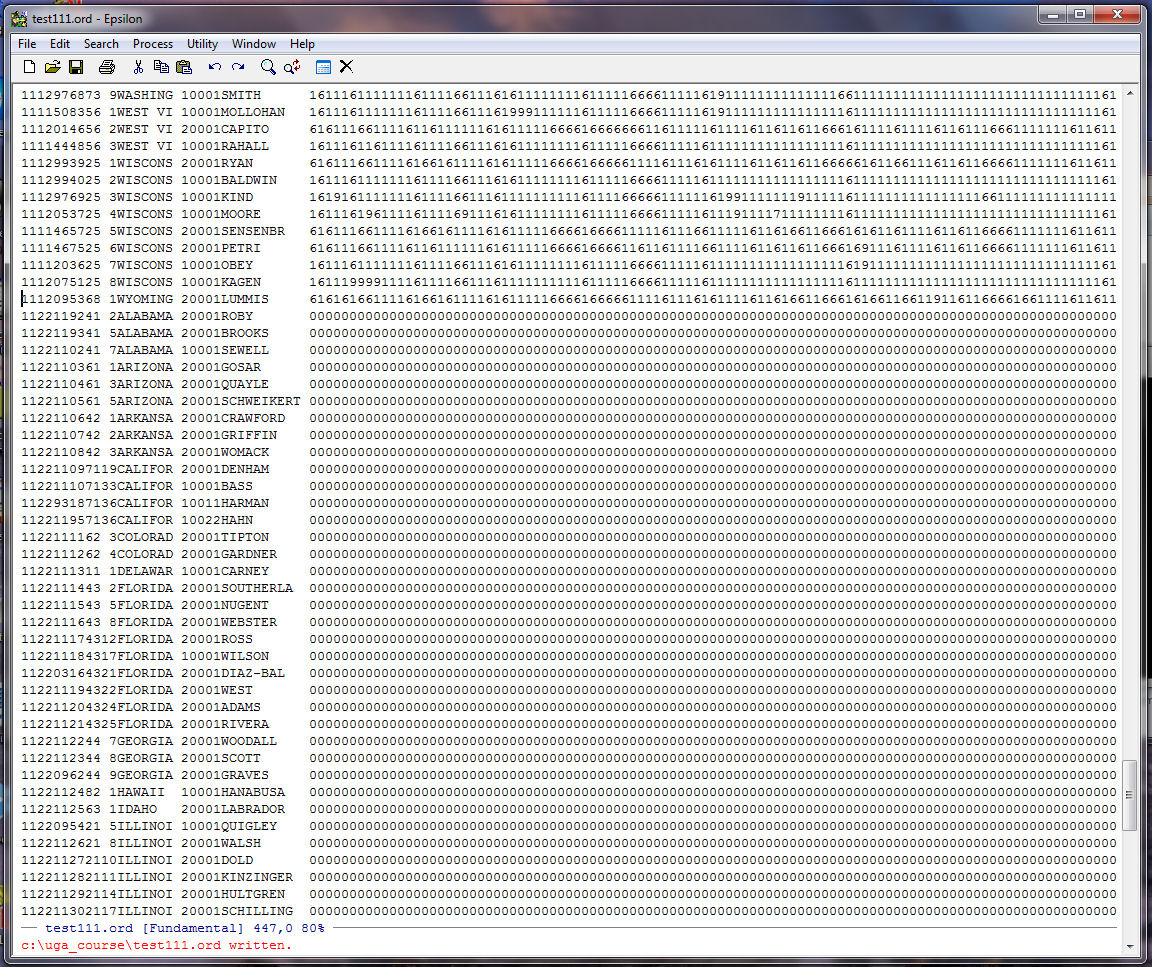
Now go to the end of the line with C-E and hit Spacebar one time:
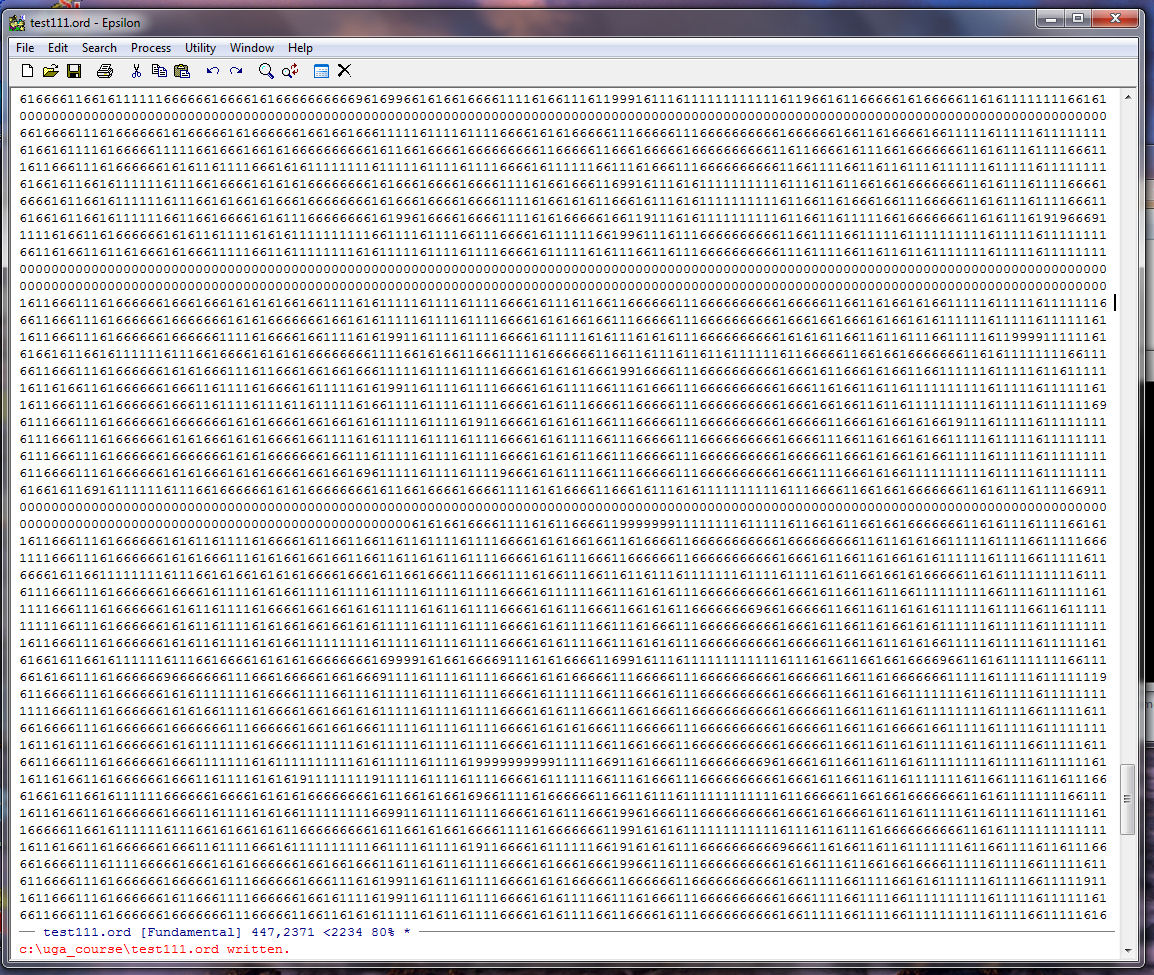
The columns look OK so hit Backspace one time to get rid of the extra space, save TEST111.ORD with C-X C-S, and you are finished!